TV or Monitor for GTA 6?
From a couch, a TV, and it isn't close: a monitor is built to be seen from an arm's length away. At a desk it's a real choice. If you're buying a screen for GTA 6 and your desk can take it, a 42-inch OLED TV gives you everything a good OLED monitor does for a 30fps console game, plus four HDMI 2.1 ports, speakers and apps. A monitor wins when the desk is small, when the screen is mostly a PC desktop, or when you already own a good one.
Which screen, depending on where you sit
-
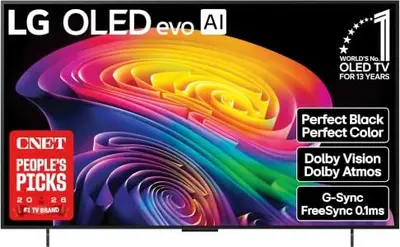 At a deskLG 42" OLED C6: the smallest current LG OLED, with four HDMI 2.1 ports and up to 165Hz for a PC Check Price on Amazon
-
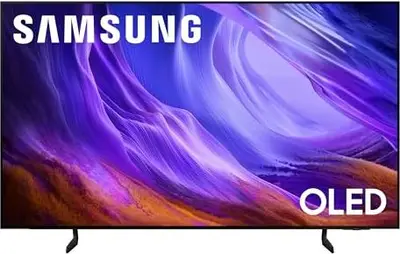 At a desk, and 30fps stutter bothers youSamsung 48" S85H: a 48-inch OLED with Samsung's Game Motion Plus, which smooths console games without leaving game mode Check Price on Amazon
-
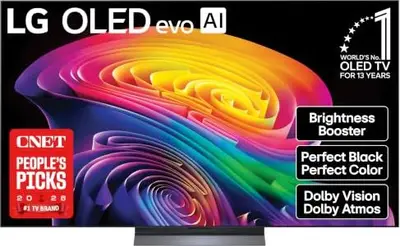 On the couchLG 65" OLED C6: about 9 ms of input lag measured by Tom's Guide and bright game-mode HDR in RTINGS's real-scene tests Check Price on Amazon
What's confirmed, as of 11 November 2026: Rockstar says GTA 6 is "targeting 30 frames per second" on PS5, PS5 Pro, Xbox Series X and Series S (Newswire, 10 November). The PS5 Pro adds PSSR clarity and ray-traced shadows, not frames. No 40fps or 60fps mode is announced; the 40fps talk comes from a 9 November datamine, not an announcement. Resolution, HDR, VRR and 120Hz output have not been published by Rockstar, Sony or Microsoft. The game launches 19 November.
Start With Where You Sit
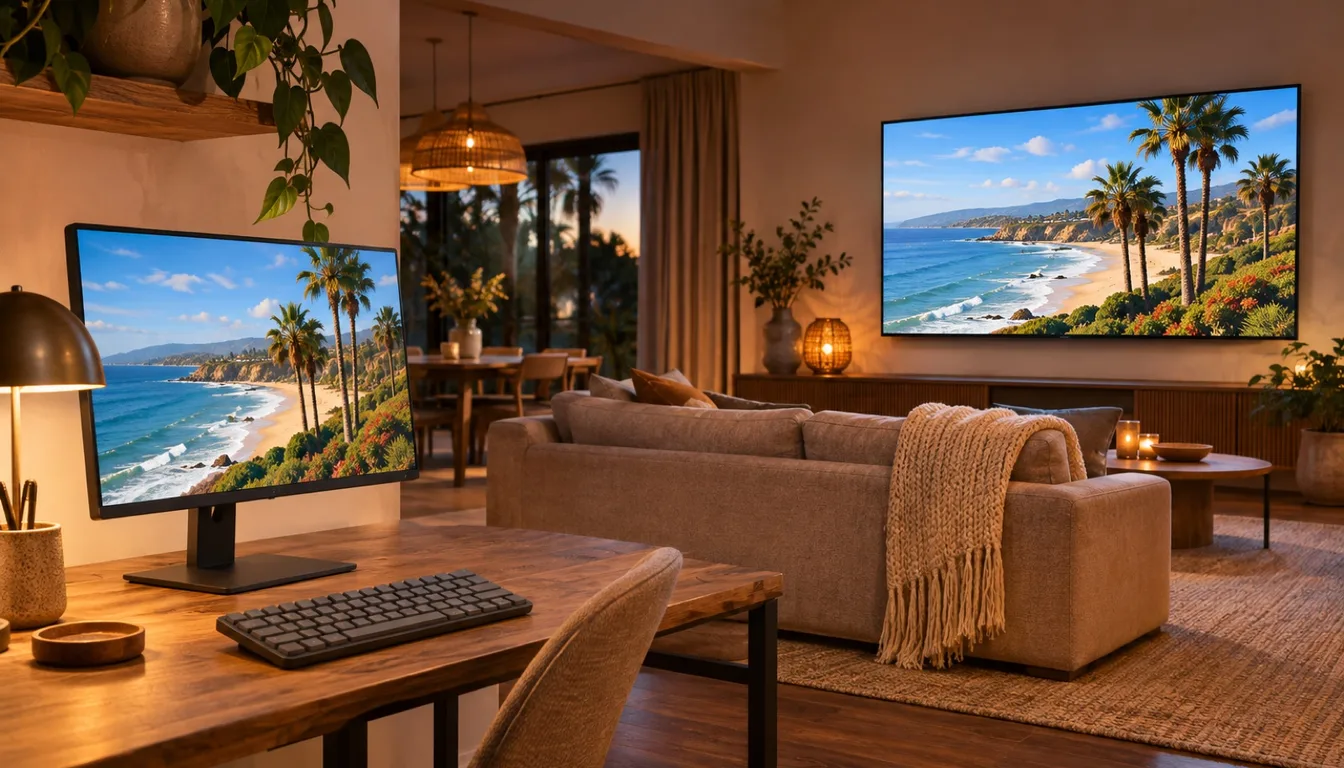
Picture the first night. You're on the couch, controller in hand, the TV across the room, Vice City filling the wall as you pull out of a parking lot at dusk. A 27-inch monitor on that wall would be a postage stamp. If GTA 6 is a couch game for you, this page's answer is short: buy a TV, and our best TVs for GTA 6 covers which one for your room and budget.
Now picture a desk. The screen sits an arm's length away, your PC is plugged into it too, and the console lives under the desk. Here a monitor and a TV are competing for the same spot, and the question becomes what each one does with a 30fps console game. That's the rest of this page.
30fps Looks the Same on a Fast OLED Monitor
A lot of GTA 6 players are eyeing a 27- or 32-inch OLED monitor; a GTA 6 setup thread on r/OLED_Gaming is mostly a roll call of them. Here's the catch nobody puts on the box: at 30fps, an OLED monitor stutters exactly like an OLED TV.
RTINGS explains why. Stutter happens when a frame sits on screen too long, and it "has an inverse relationship with a TV's response time; the quicker the response time, the more stutter there is." OLED pixels switch almost instantly, so each of GTA 6's frames, held for about 33 ms, jumps cleanly to the next. A slow pan across the beach looks like a fast slideshow. LCDs blur the gap instead. That physics belongs to the pixels, not to whether the box says "monitor" or "TV". A 240Hz OLED monitor still gets only 30 new frames a second from the console.
What a TV can do about it
The fix for stutter is motion smoothing, which adds in-between frames. On most TVs that means leaving game mode and paying for it in input lag. LG says so plainly: on its OLEDs, "TruMotion cannot be set if you set the game mode." Samsung's 2026 TVs are the exception. Game Motion Plus works inside game mode, on game consoles only, and switches off when VRR is on (Samsung US).
Two cautions. Nobody has yet shown it on a 30fps PS5 game on a 2026 US Samsung, and its added lag hasn't been measured by a lab we could read. But it is the one tool on this list that targets the exact problem a 30fps OLED has, and you can get it at desk size in the 48-inch S85H. For the full stutter-versus-blur story, see OLED or mini-LED for GTA 6.
In the biggest LG C6-for-GTA thread on r/OLED_Gaming, 14 commenters said 30fps looks bad on OLED and 16 said it's fine or that they adapt within minutes to hours. If you've played a 30fps game on an OLED and it bothered you, take that seriously, monitor or TV.
Resolution: A 4K TV or a 1440p Monitor?
Rockstar hasn't published a resolution for any console. Digital Foundry counted the 16 October launch trailer on PS5 at about 1440p inside a 4K output. RTINGS lists 1440p at 120Hz among the outputs both the PS5 and the Xbox Series X|S support. Put together, a 1440p monitor probably loses little of what the base PS5 renders, while a 4K TV shows the console's 4K output as sent. That's our reading of the analysis, not a test. The PS5 Pro's PSSR internal resolution is unpublished. Digital Foundry will count the real launch build after 19 November.
The input-lag side is simpler. RTINGS: "input lag is determined by refresh rate, not resolution." A 1440p signal won't make the game respond faster.
HDR: Compare Measurements, Not Badges
GTA 6 is a game of Florida sun and neon nights, so HDR brightness in game mode matters. For TVs, RTINGS measures it on real scenes. The 65-inch LG C6 hit about 1,165, 1,015 and 546 nits on its Hallway Lights, Yellow Skyscraper and Landscape Pool scenes in Game Optimizer. The Samsung S85H managed about 650, 603 and 281.
The 42-inch C6 is dimmer than that 65-inch: RTINGS says it lacks LG's Brightness Booster, "so it's not as bright as the bigger models", and no lab has measured it. If you're weighing an OLED monitor, ask for the same kind of number, a measured game-mode HDR result from a lab, before you trust a sticker on the box. One more caveat applies to every screen: whether GTA 6's HDR is any good is unknown until launch.
The Desk-Size OLED TVs
LG 42" C6: The Desk TV for Most Players
The 42-inch C6 is the smallest current LG OLED and the most monitor-like TV you can buy. You get the C6 line's four full HDMI 2.1 ports, so a PS5, an Xbox and a PC can all stay plugged in, and up to 165Hz when the PC is the source. Tom's Guide measured 9.1 ms of lag at 4K/60 with Boost on the 65-inch; a 30fps frame lasts 33 ms. On Xbox it supports Dolby Vision gaming (RTINGS). It sits at a Flagship price in our catalogue.
The catch: no smoothing inside game mode, so 30fps stutter is what you see unless you leave game mode for TruMotion. It's also glossy and, at this size, dimmer than reviews of the 65-inch describe.
Samsung 48" S85H: For Players Who Hate Stutter
The 48-inch S85H is Samsung's entry OLED at desk size, and RTINGS says its results apply to every size. Tom's Guide measured 9.2 ms of lag at 4K/60 on the 65-inch, all four HDMI ports run at full 48Gbps (RTINGS), and it has Game Motion Plus. It sits at a Step-up price; the 42-inch C6 is modestly more expensive in our catalogue.
The catch: RTINGS calls its stutter "very noticeable" without smoothing, its HDR is dim, its glossy screen is "far less ideal for even a moderately lit room", and it has no Dolby Vision. And 48 inches is a lot of screen at arm's length.
Look-alikes at desk size: the 48-inch LG C6 uses a different tandem panel, and RTINGS says its C6 review is not valid for that size. Owners report banding and crushed blacks above 120Hz on a PC. Samsung's 48-inch S90H is also a different panel from the rest of that line. Check the exact size before you read a review.
When a Monitor Is the Better Buy
Your desk can't take 42 inches. If the screen would fill your whole view at your normal seat, a 27- or 32-inch monitor is the right size, and GTA 6 at 30fps will look the same on it as on an OLED TV of the same panel type.
The screen is mostly a PC desktop. RTINGS rates these OLED TVs at high risk of burn-in from static elements, and a taskbar is as static as it gets. One r/OLED_Gaming commenter, who games on a G60SD OLED monitor, advises a 48-inch C6 owner to hide it, and points out that LG's TV warranty is a year, against the three years he sees on gaming monitors; check the terms on any screen you're comparing.
You already own a good monitor. For a 30fps console game, a new OLED TV on the same desk won't remove stutter or add frames. Spend the money on the couch TV instead, or on nothing at all.
Plug the console into an HDMI 2.1 port, turn on the TV's game mode (Game Optimizer on LG, Game Mode with the Game Bar on Samsung), and on a Samsung leave VRR off if you want Game Motion Plus: Samsung switches it off when VRR is on. Our GTA 6 TV settings guide has the rest.
The Bottom Line
On a couch, GTA 6 belongs on a TV; start with our best TVs for GTA 6, and if the room is small, best TVs for small rooms. At a desk, the LG 42" C6 is the TV to buy if it fits, and the Samsung 48" S85H is the one to try if 30fps stutter is what you fear most.
Buy a monitor if your desk is small, if the screen spends most of its life as a PC desktop, or keep the one you have. Either way, the screen can't add frames: GTA 6 will be 30fps on all of them. Facts here are as of 11 November 2026, and we'll update this page once the game is out.
Frequently Asked Questions
Is a TV or a monitor better for GTA 6?
It depends on where you sit. On a couch, a TV, because a monitor is too small to see from across a room. At a desk, both work; if you are buying a screen for GTA 6 and have room for it, a 42-inch OLED TV such as the LG C6 gives you four HDMI 2.1 ports, a 4K panel and a TV's speakers and apps, and the 48-inch Samsung S85H adds Game Motion Plus for smoothing 30fps. A monitor wins when your desk cannot take a 42-inch screen, when the screen spends most of its life as a PC desktop, or when you already own a good one.
Will GTA 6 look good on a 1440p monitor?
Probably, though nobody can say for certain before launch. Rockstar has published no resolution for any console. Digital Foundry counted the 16 October 2026 launch trailer on PS5 at about 1440p inside a 4K output, and RTINGS lists 1440p at 120Hz among the outputs both the PS5 and the Xbox Series X|S support. So a 1440p monitor should lose little of what the base PS5 renders (our inference, not a test). Digital Foundry will count the launch build after 19 November.
Is an OLED monitor good for GTA 6 at 30fps?
It shows the same 30fps stutter an OLED TV does. RTINGS explains stutter by pixel response time: the faster the pixels, the more each frame visibly jumps to the next in slow pans. That is the panel, not the label on the box. Some owners adapt within minutes or hours, and some find in-game motion blur helps; others get headaches. Whether GTA 6 has a motion-blur option is unknown until launch.
Do I need a 120Hz or 240Hz monitor for GTA 6?
Not for the confirmed game. Rockstar says GTA 6 is "targeting 30 frames per second" on PS5, PS5 Pro, Xbox Series X and Series S (10 November 2026), and a 60Hz screen shows every one of those frames. Consoles stop at 120Hz, so anything above that is for a PC. A 120Hz screen would matter only for a 40fps mode, and no such mode is announced: the 40fps talk comes from a 9 November datamine.
Is a 42-inch TV too big for a desk?
Not for everyone: owners on r/OLED_Gaming run 42-inch LG C2 and C5 OLEDs as desk screens and miss them when they size up. Measure your desk depth before you buy, and remember the 42-inch C6 is the smallest size LG makes. If the screen would fill your whole view at your normal seat, a 27- or 32-inch monitor is the better fit.
Will an OLED TV on a desk burn in?
RTINGS rates the C6 and S85H at high risk of burn-in with static elements, and says mixed content should not cause issues. LG's manual says the C6 automatically lowers brightness on a fixed image. Console gaming changes what is on screen; a PC desktop does not, so one r/OLED_Gaming commenter (who games on a G60SD OLED monitor) advises a 48-inch C6 owner using it with a PC to hide the taskbar.
Sources
This page is based on the publisher and maker statements, lab measurements and owner reports below. We have not tested these TVs or monitors ourselves; where a figure comes from a specific reviewer, it says so.
- Rockstar Games Newswire, "Pre-Load Grand Theft Auto VI Now" (10 November 2026)
- PlayStation Blog, pre-load GTA VI on PS5 (10 November 2026)
- Vice, the 9 November 2026 PS5 datamine and 40fps (read 11 November 2026)
- Digital Foundry, GTA 6 launch trailer tech breakdown (YouTube, 16 October 2026)
- RTINGS, TV motion tests: stutter (updated 19 March 2026)
- RTINGS, motion interpolation and the soap opera effect (updated 23 March 2026)
- RTINGS, LG C6 OLED review, 65" (read 11 November 2026)
- RTINGS, LG C6 OLED calibration settings, on the 42" size (read 11 November 2026)
- RTINGS, Samsung S85H OLED review, 65" (read 11 November 2026)
- RTINGS, Samsung S90H OLED review (read 11 November 2026)
- Tom's Guide, LG C6 OLED review, 65" (read 11 November 2026)
- Tom's Guide, Samsung S85H OLED review, 65" (3 July 2026)
- Samsung US, Game Bar on your Samsung TV (read 11 November 2026)
- LG USA help library, stuttering in particular game titles on PS5 (4 November 2025)
- r/OLED_Gaming, "What OLED setups are you guys rocking for GTA 6?" (7 November 2026)
- r/OLED_Gaming, "Planning on purchasing the LG C6 ... mainly due to GTA 6" (31 October 2026)
- r/OLED_Gaming, "LG C6 48 after 1 month PSA" (6 October 2026)