Best TVs for Streaming: Netflix, Disney+, Apple TV+
Cord-cutters need a TV that does double duty — a panel with great picture quality and a built-in platform that actually makes streaming painless. We tested the major smart TV ecosystems and matched them with the screens that do streaming justice.
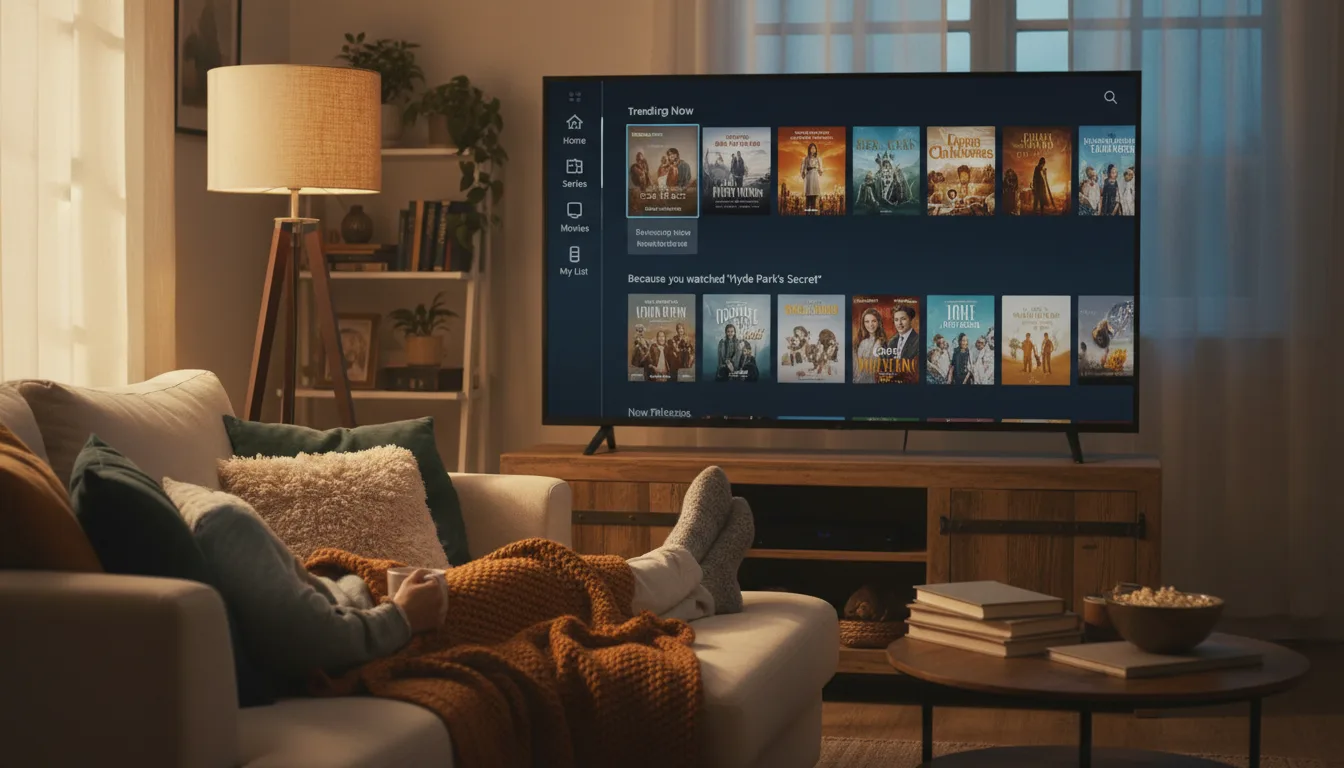
The Platform Matters as Much as the Panel
A gorgeous display means nothing if the operating system is slow, cluttered with ads, or missing the apps you use. Smart TV platforms differ significantly in app availability, content discovery, ad density, and update longevity. Choosing the right platform saves you from buying a $50 streaming stick to fix a $500 TV.
Every major platform — Roku, Google TV, Fire TV, Tizen, webOS — carries Netflix, Disney+, Apple TV+, Hulu, and Amazon Prime Video. The differences show in the details: ad placement, interface speed, voice assistant integration, and how well the TV recommends content across services.
What Streamers Should Look For
Smart Platform: Pick Your Ecosystem
Roku OS is the most neutral — clean interface, minimal ads, every major app. Google TV aggregates content across services into a unified watchlist. Fire TV goes deepest with Alexa and Amazon's shopping ecosystem. Tizen (Samsung) and webOS (LG) are polished but less open.
Dolby Vision and HDR10+ Support
Netflix, Disney+, and Apple TV+ all stream in Dolby Vision — but only if your TV supports it. Amazon Prime Video uses both Dolby Vision and HDR10+. Samsung TVs skip Dolby Vision entirely, limiting you to HDR10+. For the widest streaming format support, choose a TV with both formats.
Processing Power for Compressed Video
Streaming video is heavily compressed. A 4K Netflix stream at 15-25 Mbps contains a fraction of the data on a 4K Blu-ray disc. Better TV processors handle this compression more gracefully — reducing artifacts, banding, and macro-blocking that cheap TVs make painfully visible.
Before buying, verify that your specific streaming apps are available on the TV's platform. Niche services like Criterion Channel, Shudder, or regional sports apps may not be on every platform. Roku has the widest app library overall.
Top Picks for Streaming
1. Roku 65" Pro Series QLED Smart TV (2025) — Best All-Around Streaming TV
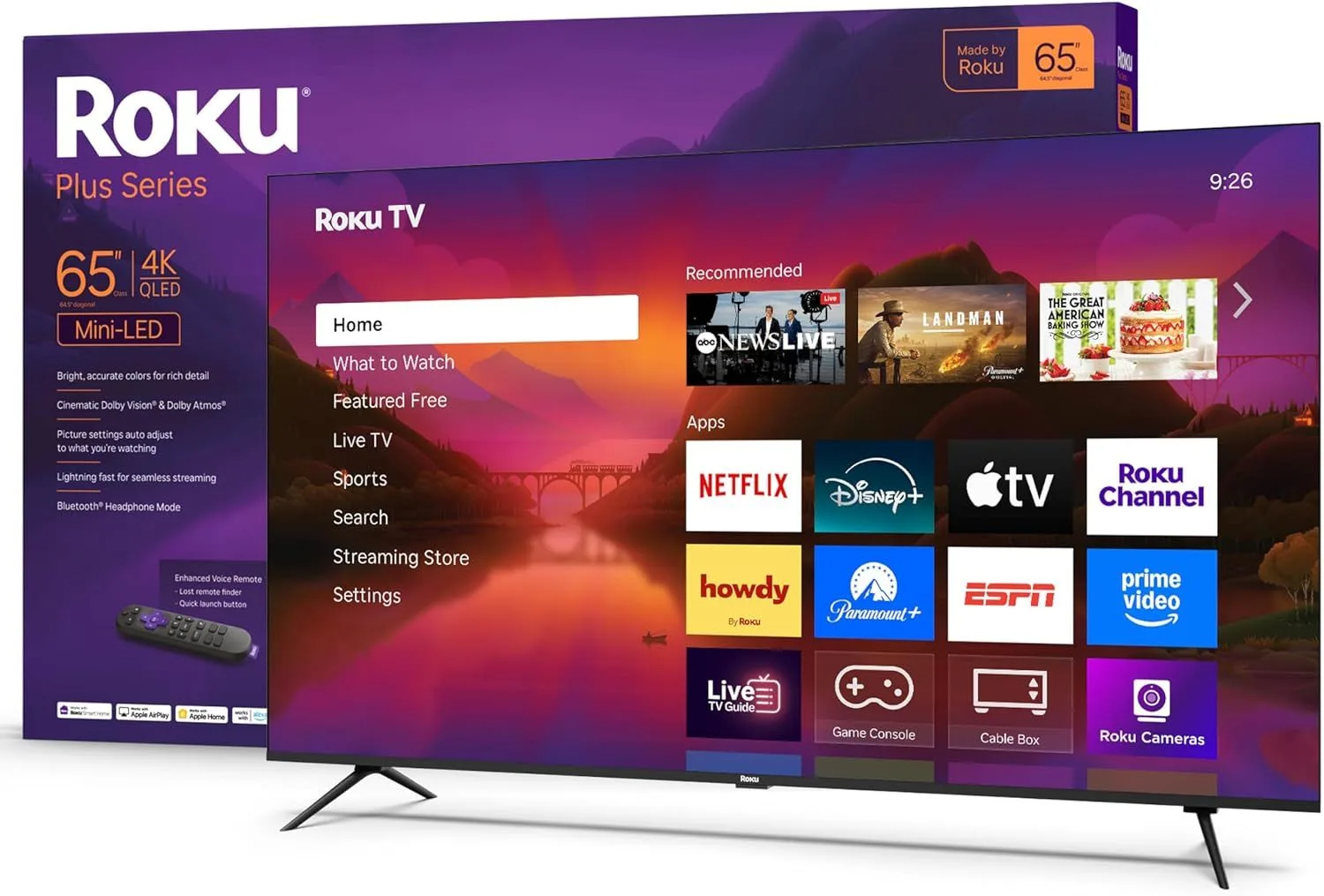
Roku's platform is the gold standard for streaming simplicity — every app, minimal ads, and a universal search that works across services. The Roku 65" Pro Series backs it with QLED color, 120Hz, and local dimming at $300–$500. It's the complete streaming package.
Read our full Roku 65" Pro Series review
2. Amazon Fire TV 55" Omni QLED Series (2025) — Best for Alexa Smart Home
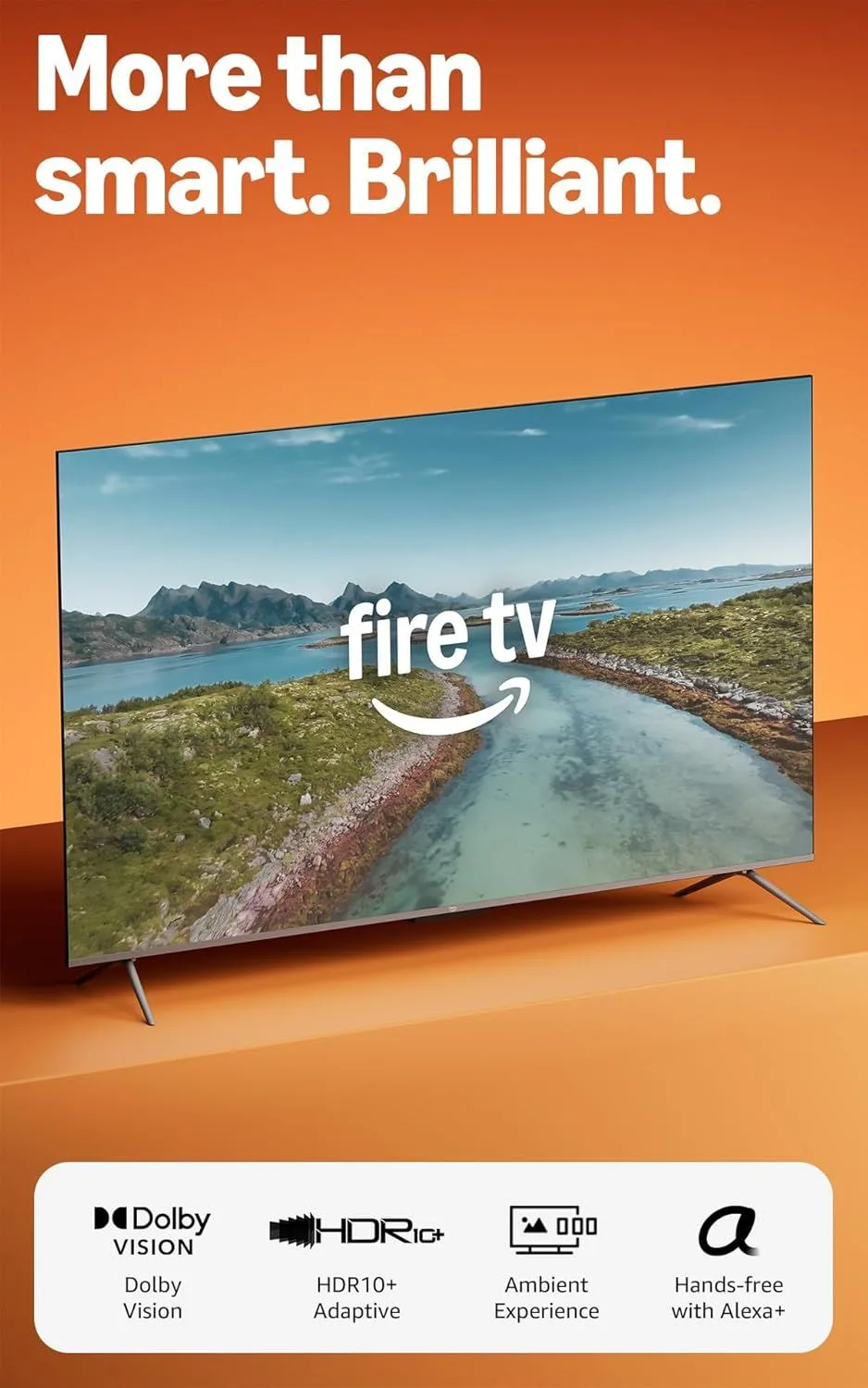
If your home runs on Alexa, the Amazon 55" Omni QLED 2025 is the most integrated TV you can buy. The Ambient Experience transforms it into a smart home dashboard when you're not streaming. At $500–$800, it's a mid-range option with 120Hz and dual-format HDR.
Read our full Amazon 55" Omni QLED 2025 review
3. LG 55" OLED evo C5 Smart TV (2025) — Best Picture for Streaming
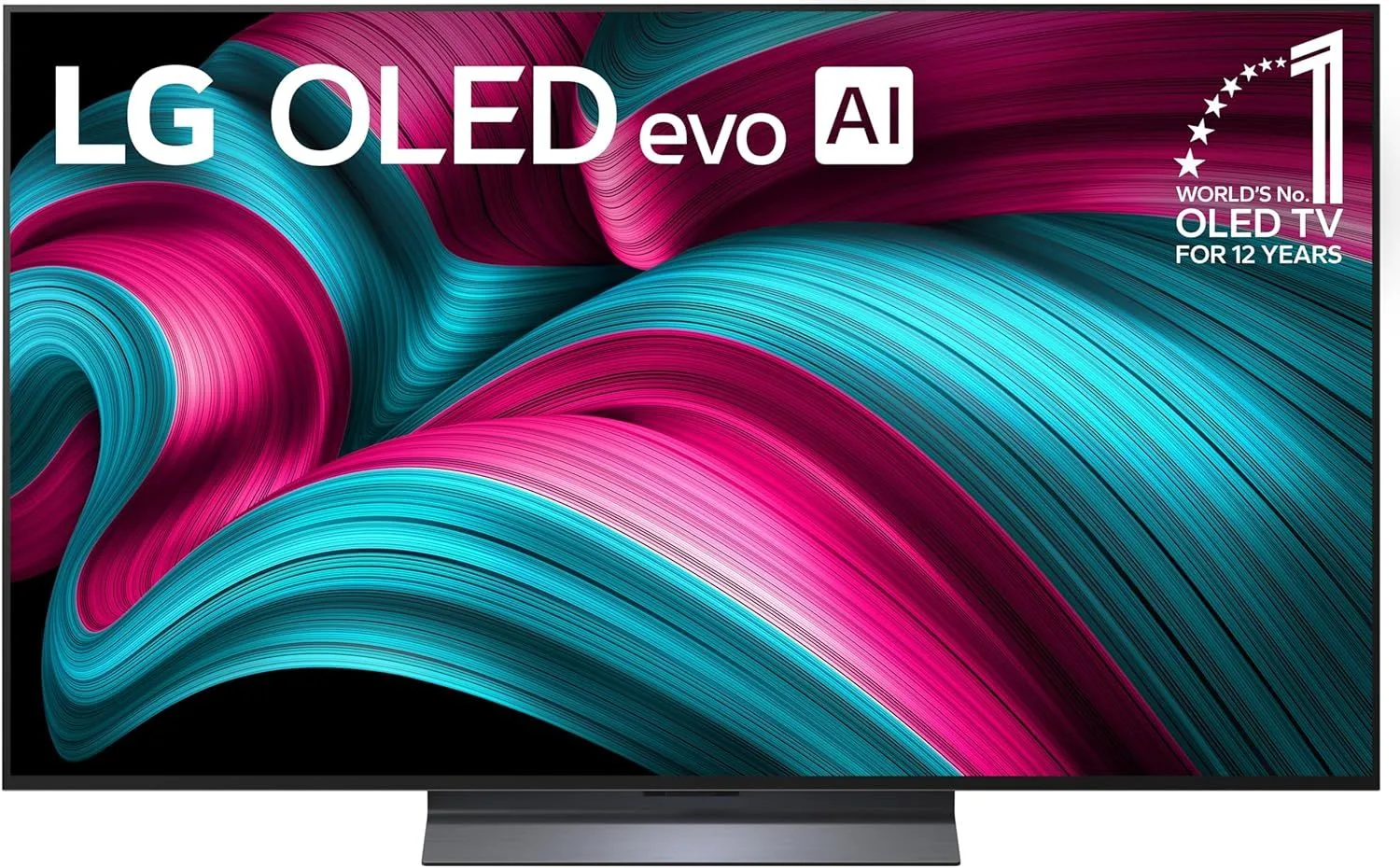
OLED contrast makes dark streaming content — horror series, space dramas, noir thrillers — look stunning. The LG 55" OLED C5's processor also handles compressed streaming video better than most, reducing artifacts that cheaper panels make obvious. A upper mid-range investment, but the picture quality gap is real.
Read our full LG 55" OLED C5 review
4. Toshiba 55" C350 4K LED Smart Fire TV — Best Budget Streaming TV
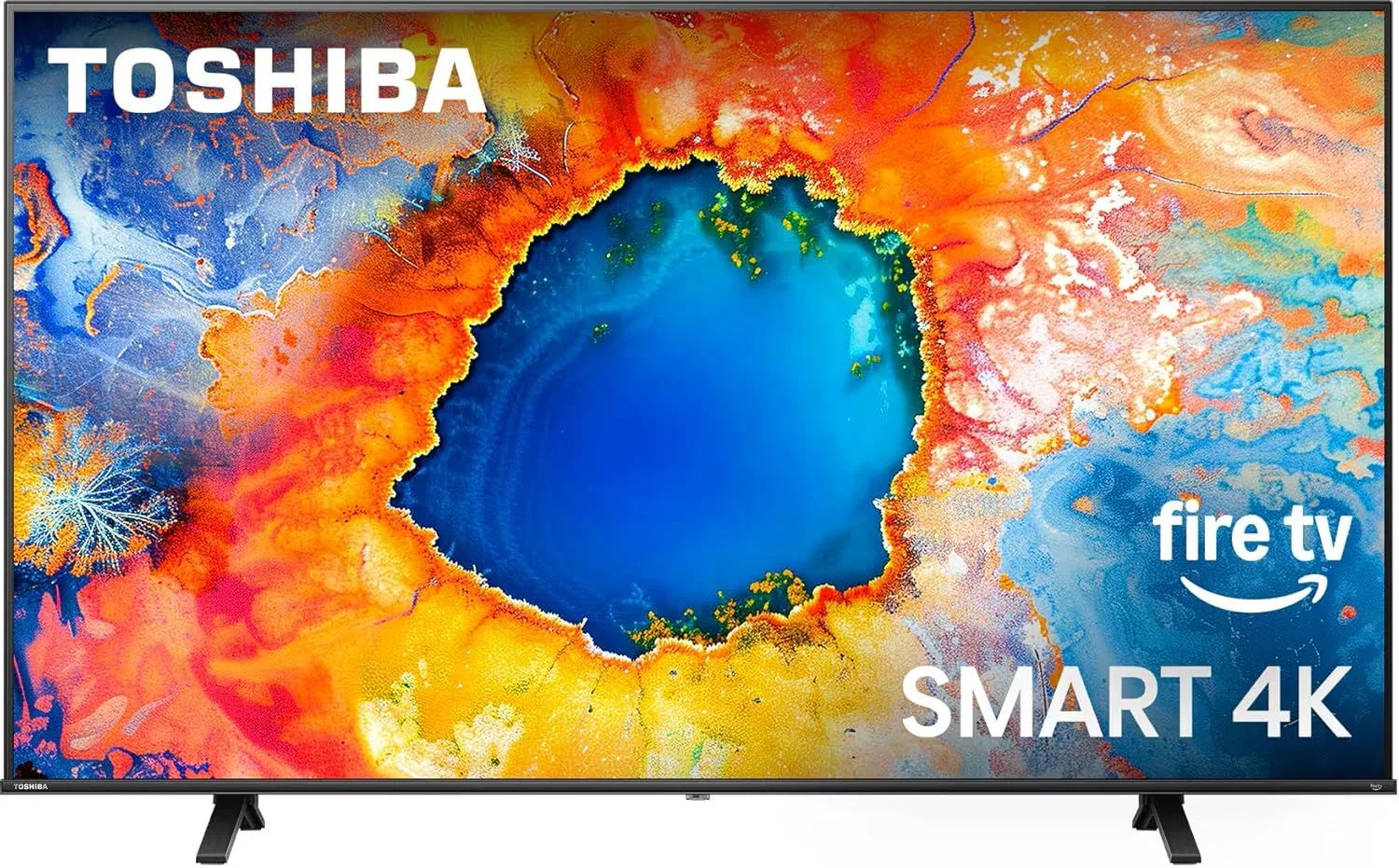
Dolby Vision streaming on a budget-friendly TV — that's the Toshiba 55" C350's pitch. Fire TV has every major streaming app, and the Regza Engine processor handles 4K upscaling better than most at this price. Not a TV for dark rooms, but perfectly capable for casual binge-watching.
Read our full Toshiba 55" C350 review
5. TCL 65" QM6K QD-Mini LED 144Hz Smart TV — Best Upgrade Streaming TV
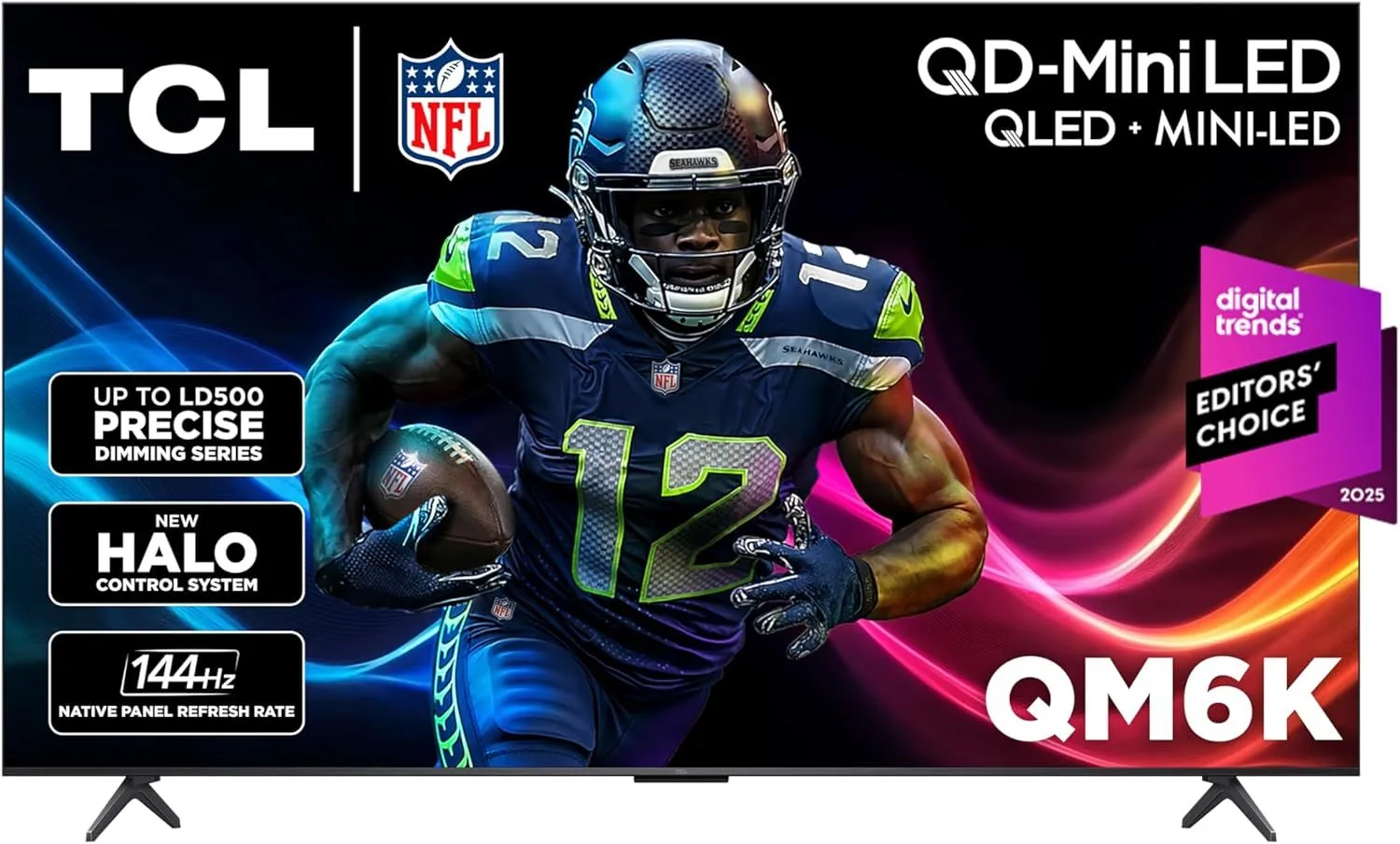
Stepping up to Mini-LED makes streaming content look noticeably better — especially HDR titles on Netflix and Disney+. The TCL 65" QM6K pairs Mini-LED brightness with 144Hz and Google TV at the $500–$800 level. Google TV's content aggregation across services is the best in the business.
Read our full TCL 65" QM6K review
Streaming Setup Tips
If your TV is near your router, use an Ethernet cable instead of Wi-Fi. Wired connections are more stable for 4K HDR streaming and eliminate buffering caused by Wi-Fi congestion, interference, or distance from the router.
Enable Dolby Vision in each app separately. Netflix, Disney+, and Apple TV+ each have their own streaming quality settings. Make sure each app is set to the highest quality and that Dolby Vision is enabled — it's not always on by default.
If multiple people stream simultaneously on your network, consider a router with QoS (Quality of Service) settings that prioritize your TV's traffic. One 4K Dolby Vision stream needs about 25 Mbps — if someone else starts a video call, buffering can kick in fast.
Frequently Asked Questions
Which smart TV platform is best for streaming?
Roku OS offers the cleanest, most ad-free experience with support for every major streaming app. Google TV has the widest app library and best content discovery. Fire TV integrates deepest with Alexa and Amazon's ecosystem. Tizen (Samsung) and webOS (LG) have all major apps but smaller third-party selections.
Do I still need a streaming stick with a smart TV?
Modern smart TVs from major brands run Netflix, Disney+, Apple TV+, Hulu, and all other major services natively. You only need a separate streaming device if your TV's built-in platform is slow, missing a specific app, or you prefer a different interface. Budget TVs from 2020 or earlier may benefit from a Roku or Fire TV stick.
Does Dolby Vision streaming look better than HDR10?
Yes, on TVs that support it. Dolby Vision uses dynamic metadata that adjusts brightness scene by scene, while HDR10 applies one fixed brightness curve to the entire movie. Netflix, Disney+, and Apple TV+ all offer Dolby Vision content. The difference is most visible in scenes with dramatic lighting shifts.
How fast does my internet need to be for 4K streaming?
Netflix recommends 15 Mbps for 4K. Disney+ suggests 25 Mbps. In practice, 25 Mbps is the safe minimum for consistent 4K HDR streaming without buffering. If multiple people stream simultaneously, you need that bandwidth per stream.
Why do some TVs look better streaming than others?
Three factors: the TV's processing chip (which handles upscaling compressed streaming video), the panel's contrast ratio (which affects dark scene quality), and HDR support (Dolby Vision vs HDR10). Better processors make heavily compressed Netflix streams look cleaner and sharper.
Start Streaming Better
The Roku 65" Pro Series wins on platform simplicity and picture quality combined. For budget streamers, the Toshiba 55" C350 gets you Dolby Vision and Fire TV at a price that's hard to argue with.