HDMI 2.1 Explained: Do You Need It?
You need HDMI 2.1 if you own a PS5, Xbox Series X, or gaming PC and want 4K gaming at 120fps. You also need it if your soundbar supports Dolby Atmos over eARC. For everything else -- streaming, cable TV, Blu-ray -- HDMI 2.0 does the job. Most people don't need HDMI 2.1 today, but gamers absolutely do.
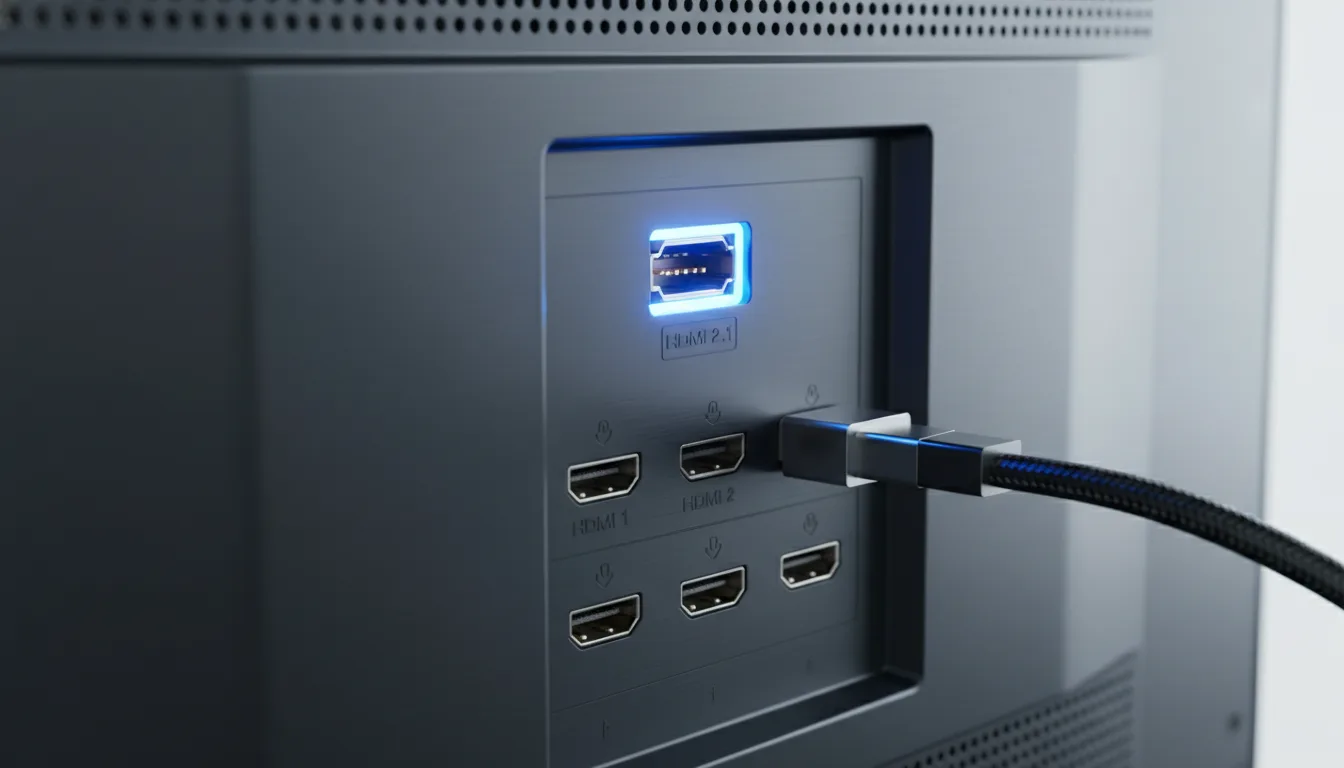
HDMI 2.0 vs 2.1: What Changed
HDMI 2.0 carries up to 18 Gbps of bandwidth. That's enough for 4K video at 60Hz with HDR -- which covers everything from Netflix to cable TV to Blu-ray players. It was the standard for nearly a decade and handles the vast majority of home entertainment content.
HDMI 2.1 nearly triples bandwidth to 48 Gbps. The extra throughput enables 4K at 120Hz (or 8K at 60Hz), plus several gaming-specific features that HDMI 2.0 physically cannot support. It also adds eARC for lossless audio passthrough.
The Five HDMI 2.1 Features That Matter
1. 4K/120Hz
The headline feature. HDMI 2.0 maxes out at 4K/60Hz. To display 4K at 120 frames per second -- which PS5 and Xbox Series X support in select titles -- you need HDMI 2.1's bandwidth. Without it, your console drops to 4K/60fps or 1080p/120fps. The LG C5 with four HDMI 2.1 ports is the ultimate setup for multi-device gaming.
2. VRR (Variable Refresh Rate)
VRR synchronizes the TV's refresh rate to the game's frame rate in real time. When a game fluctuates between 80 and 120fps, VRR adjusts the display to match, eliminating screen tearing (visible horizontal line artifacts) and stuttering. VRR requires HDMI 2.1. Without it, you rely on the game holding a steady frame rate, which rarely happens.
3. ALLM (Auto Low Latency Mode)
ALLM signals the TV to switch to game mode automatically when a gaming device is detected. Without ALLM, you must manually enable game mode each time -- and forgetting means gaming with 80-120ms of input lag instead of 10-15ms. A small convenience that prevents a real frustration.
4. eARC (Enhanced Audio Return Channel)
eARC transmits uncompressed Dolby TrueHD and DTS:X audio from the TV to a soundbar or AV receiver. Standard ARC (HDMI 2.0) compresses these formats to Dolby Digital Plus. If you own a Dolby Atmos soundbar, eARC delivers noticeably better spatial audio. If you use the TV's built-in speakers, eARC provides zero benefit.
5. QFT (Quick Frame Transport)
QFT reduces latency by sending video frames faster through the HDMI connection. The improvement is small (a few milliseconds), but it stacks with game mode and VRR for the lowest possible input lag. Not marketed heavily, but present in HDMI 2.1 connections by default.
Not all HDMI 2.1 ports are created equal. Some budget "HDMI 2.1" ports support only eARC (which technically is an HDMI 2.1 feature) without 4K/120Hz bandwidth. Always verify that the specific port supports 4K at 120Hz, not just the HDMI 2.1 label. Our reviews specify the exact capability of each port.
Which Devices Actually Use HDMI 2.1?
Devices That Benefit From HDMI 2.1
- PlayStation 5 -- 4K/120Hz in supported games (Fortnite, Call of Duty, Ratchet & Clank performance mode), VRR, ALLM
- Xbox Series X -- 4K/120Hz in supported games, VRR, ALLM, Dolby Vision gaming
- Gaming PCs with RTX 3000/4000 or RX 7000 GPUs -- 4K/120Hz+ gaming, VRR (FreeSync/G-SYNC Compatible)
- Dolby Atmos soundbars -- eARC for uncompressed audio passthrough
- Apple TV 4K (2022+) -- supports 4K/120Hz output for smoother UI navigation, eARC passthrough
Devices That Don't Need HDMI 2.1
- Netflix, Disney+, Apple TV+ streaming -- all max out at 4K/60Hz (HDMI 2.0 sufficient)
- Cable/satellite boxes -- typically 1080i/1080p (HDMI 2.0 sufficient)
- Blu-ray players (including 4K UHD) -- 4K/24Hz output (HDMI 2.0 sufficient)
- Nintendo Switch -- 1080p/60Hz maximum output (HDMI 2.0 more than sufficient)
- Chromecast, Fire Stick, Roku stick -- 4K/60Hz maximum (HDMI 2.0 sufficient)
The Cable Question: HDMI 2.1 requires "Ultra High Speed" certified cables that support 48Gbps. The cable that came with your PS5 or Xbox is Ultra High Speed. Older cables may work at lower bandwidths but cannot guarantee 4K/120Hz stability. Certified Ultra High Speed HDMI cables are inexpensive -- replace rather than troubleshoot if you experience issues.
How Many HDMI 2.1 Ports Do You Need?
One port is enough for most setups: one gaming console connected to the HDMI 2.1 port, everything else on HDMI 2.0 ports.
Two ports is ideal if you own both a PS5 and Xbox Series X, or a console plus a gaming PC. TVs like the TCL QM6K, Samsung QN70F, and Roku Pro offer two HDMI 2.1 ports.
Four ports is premium territory. The LG C5 OLED offers all four HDMI ports as 2.1, which means every device gets full bandwidth. This is overkill for most people but ideal for dedicated gaming setups.
TVs in Our Catalog by HDMI 2.1 Port Count
| HDMI 2.1 Ports | Examples | Best For |
|---|---|---|
| 4x HDMI 2.1 | LG OLED C5, LG OLED G5 | Multi-console gaming setups |
| 2x HDMI 2.1 | TCL QM6K, Samsung QN70F, Roku Pro, Hisense U75QG | PS5 + Xbox or console + PC |
| 1x HDMI 2.1 | Samsung Q7F, LG QNED82 | Single console gamers |
| 0x HDMI 2.1 | Insignia Fire TVs, Toshiba C350, Sony BRAVIA 3 | Non-gamers, streaming-only |
The Bottom Line
HDMI 2.1 is a gaming feature. If you own or plan to buy a PS5, Xbox Series X, or gaming PC, you need at least one HDMI 2.1 port on your next TV. The 4K/120Hz, VRR, and ALLM capabilities make a real difference in gameplay smoothness and responsiveness.
If you don't game and your soundbar doesn't support Dolby Atmos, HDMI 2.1 provides zero benefit for your use case. Don't pay extra for it. Spend that money on better panel technology or a larger screen instead.
And if you're buying a TV that you plan to keep for 5+ years, consider getting HDMI 2.1 even if you don't game today. Future-proofing is real -- streaming services may eventually support higher frame rates, and game consoles only get more capable.
Frequently Asked Questions
Do I need HDMI 2.1 for streaming?
No. Netflix, Disney+, Apple TV+, and all streaming services output at 4K/60Hz maximum, which HDMI 2.0 handles perfectly. HDMI 2.1 is only necessary for 4K/120Hz gaming and eARC audio passthrough to soundbars.
Does PS5 require HDMI 2.1?
PS5 works on any HDMI port, but you need HDMI 2.1 to use its 4K/120Hz performance mode in supported games. On HDMI 2.0, PS5 games max out at 4K/60Hz. The PS5 also uses HDMI 2.1 for VRR (Variable Refresh Rate) and ALLM (Auto Low Latency Mode).
How many HDMI 2.1 ports do I need?
One HDMI 2.1 port is enough for most gamers (one console). Two ports are ideal if you have both a PS5 and Xbox Series X. Four HDMI 2.1 ports (LG OLEDs) is premium but rarely necessary unless you also connect a high-end gaming PC.
Will my existing HDMI cables work with HDMI 2.1?
Maybe. HDMI 2.1 requires "Ultra High Speed" certified cables that support 48Gbps bandwidth. Older "High Speed" cables max out at 18Gbps (HDMI 2.0). If your current cable is labeled "Premium High Speed" or "Ultra High Speed," it should work. When in doubt, buy a certified Ultra High Speed HDMI cable -- they cost very little.
What is eARC and do I need it?
eARC (Enhanced Audio Return Channel) is an HDMI 2.1 feature that sends uncompressed Dolby Atmos and DTS:X audio from your TV to a soundbar or receiver. Standard ARC (HDMI 2.0) compresses these formats. If you have a Dolby Atmos soundbar, eARC ensures you get the full uncompressed audio signal. If you use TV speakers, eARC does nothing for you.
Is HDMI 2.1 backwards compatible?
Yes. HDMI 2.1 ports work with all HDMI 2.0 and 1.4 devices. Your old Blu-ray player, cable box, and streaming stick will work in any HDMI 2.1 port. The advanced features (4K/120Hz, VRR, ALLM) only activate when both the source device and TV support them.
Do any budget TVs have HDMI 2.1?
Very few. Most budget TVs (under the value-priced tier) use HDMI 2.0 ports exclusively. HDMI 2.1 typically starts appearing on mid-range QLED models and above. The Samsung Q7F is one of the more affordable TVs with an HDMI 2.1 port.
Get TV Picks Delivered
One email per week. Honest reviews, no spam.
Only when something changes. Unsubscribe anytime.