Best TVs for Wall Mounting: Slim Profiles & VESA
A wall-mounted TV transforms a room — no bulky stand, no tangled cables, just a clean screen floating on the wall. We picked the slimmest TVs with the best VESA compatibility and cable management for a truly flush installation.
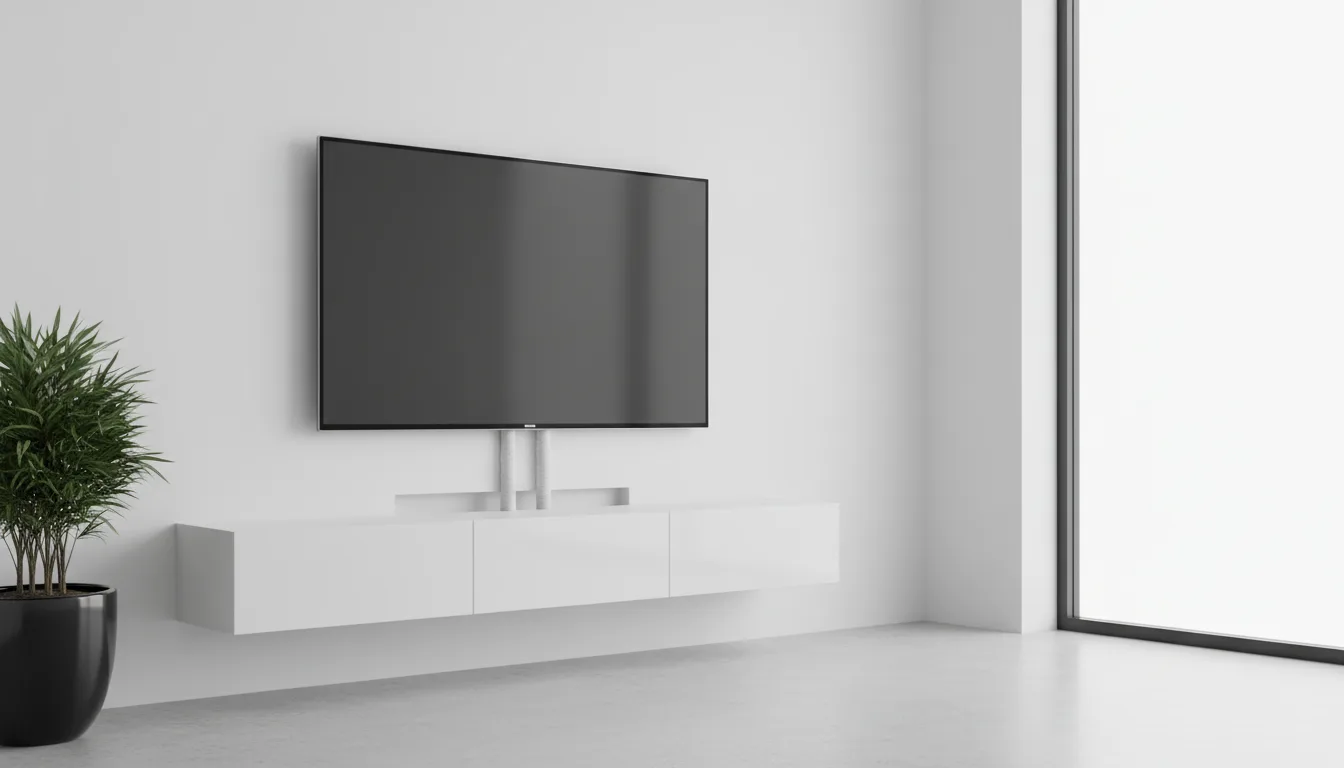
Not Every TV Wall-Mounts Well
Any TV with VESA holes can technically hang on a wall. But "technically" and "beautifully" are different things. Some TVs have bulky backs that push the screen 3-4 inches from the wall. Others have connection panels that make cable routing awkward. And a few — like LG's Gallery series — are designed from the ground up to sit perfectly flush.
The difference between a well-mounted TV and a poorly mounted one is immediately obvious. A slim, flush-mounted panel looks like a deliberate design choice. A thick TV on a visible bracket with dangling cables looks like an afterthought.
What Wall-Mount Buyers Should Prioritize
Profile Depth: Thinner Is Better
OLED TVs are the thinnest available — often under an inch at their slimmest point. Mini-LED and QLED TVs typically add 1-2 inches for the backlight array. Samsung's AirSlim designs are thinner than most LED-based competitors. Check the depth spec before buying.
Cable Management Design
The best wall-mount TVs have recessed connection panels or downward-facing ports that route cables along the wall naturally. Some Samsung models offer a One Connect Box — a separate box connected by a single thin cable, keeping all other connections off the TV itself.
Art Mode for When It's Off
A wall-mounted TV that's off is a black rectangle. Art-mode TVs — like the Hisense CanvasTV and LG Gallery series — display artwork on a matte screen when not in use, turning the TV into a genuine design element.
TVs must be mounted into wall studs — drywall alone cannot support the weight. Use a stud finder to locate studs before drilling. If your desired position doesn't align with studs, use a toggle bolt rated for the TV's weight or hire a professional installer.
Top Picks for Wall Mounting
1. LG 55" OLED evo G5 Gallery Smart TV (2025) — The Purpose-Built Wall TV
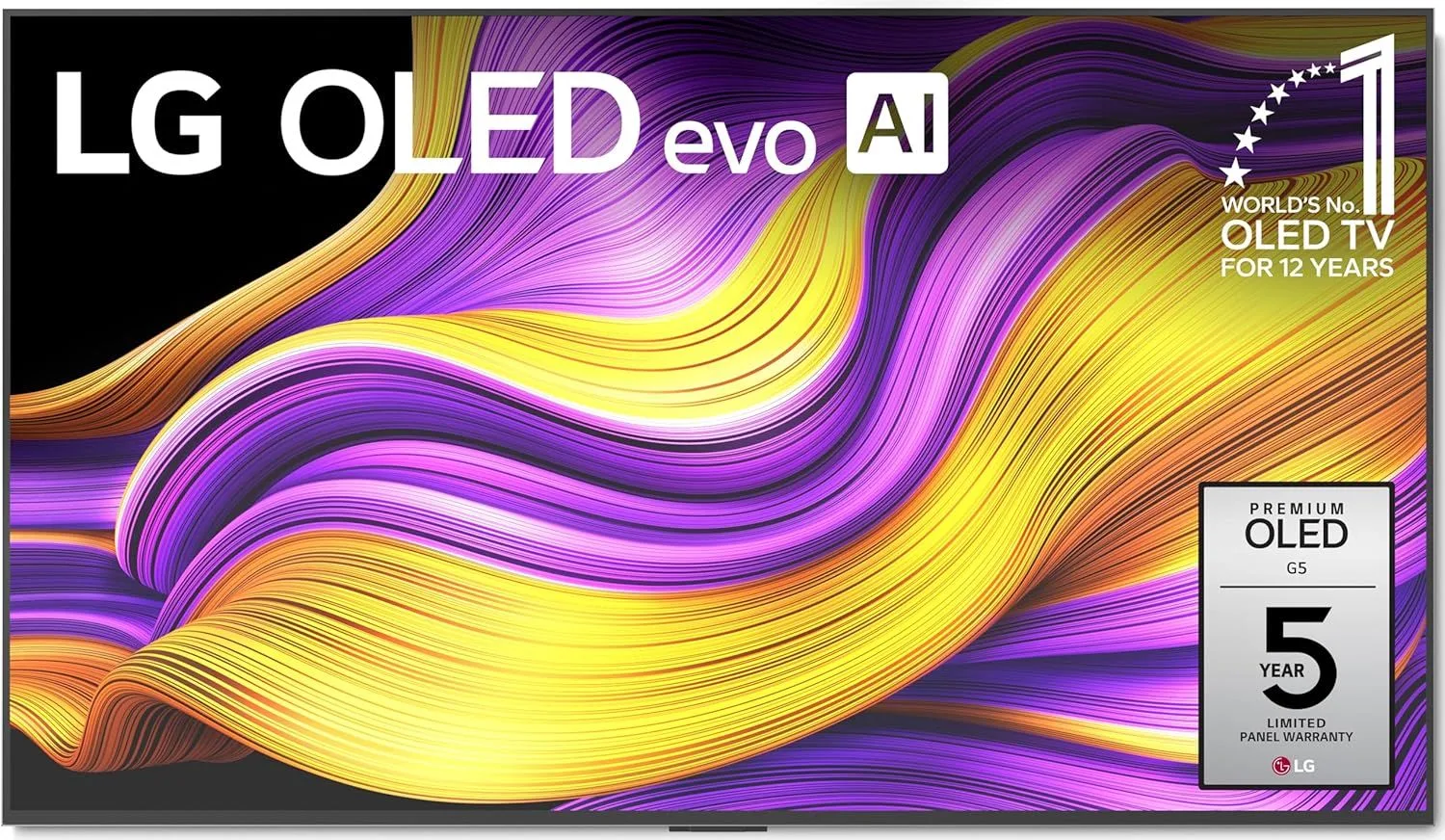
LG's Gallery Design was created specifically for wall mounting. The LG 55" OLED G5 sits perfectly flush with a proprietary slim mount, and the Tandem OLED panel is under an inch thick. No stand is included because LG assumes you're putting this on a wall. At $1,200–$1,800, it's the premium choice — but nothing else mounts this cleanly.
Read our full LG 55" OLED G5 review
2. Samsung 55" Q7F QLED Smart TV (2025) — Slimmest Samsung at Entry Level
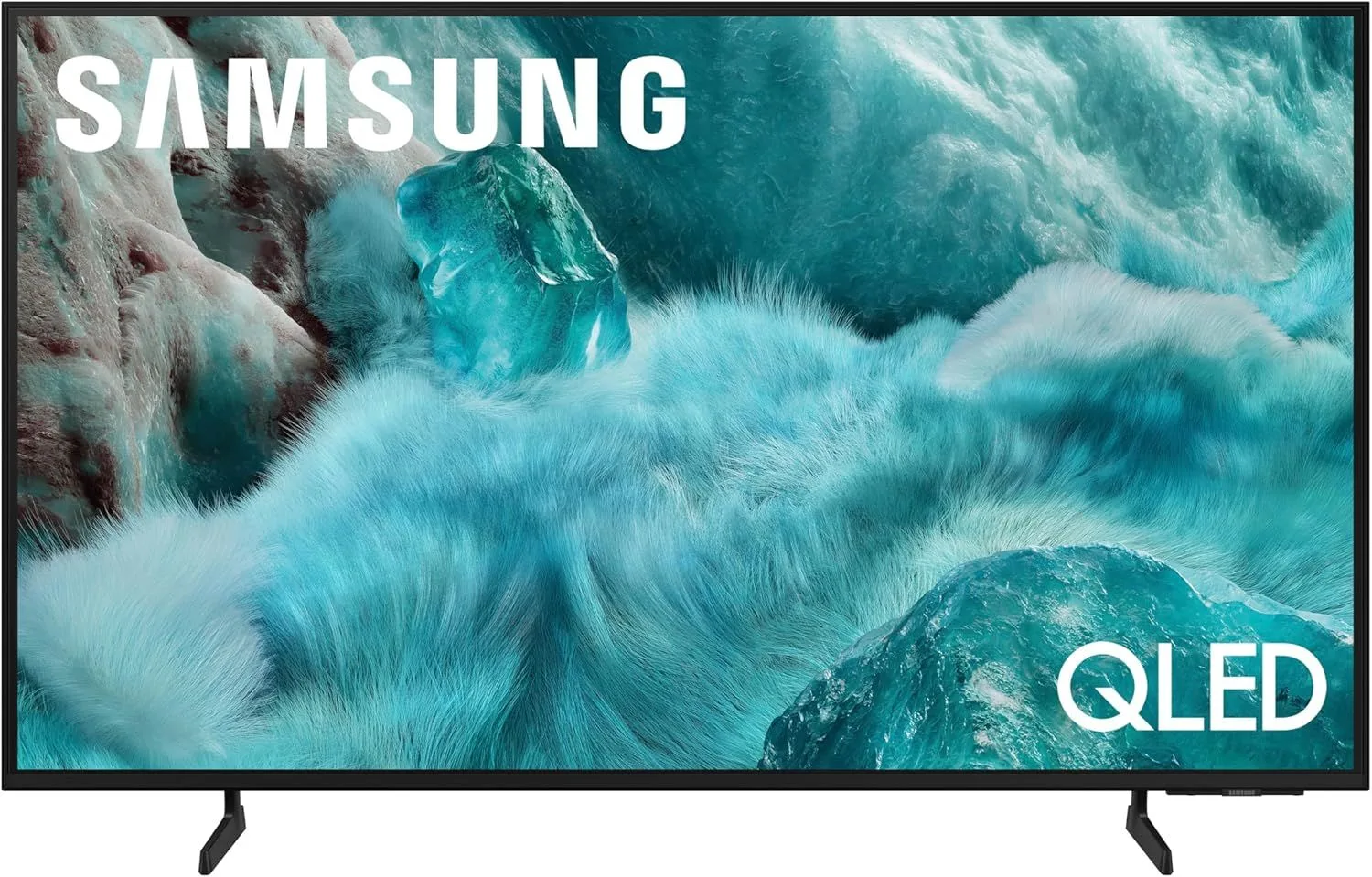
Samsung's AirSlim design makes the Samsung 55" Q7F QLED one of the thinnest QLEDs available. The profile mounts close to the wall without the bulk of Mini-LED backlight arrays. At $300–$500, it's a value-priced option with 120Hz and a clean aesthetic.
Read our full Samsung 55" Q7F QLED review
3. Hisense 65" CanvasTV S7N Smart Google TV — Best Art-Mode Wall TV
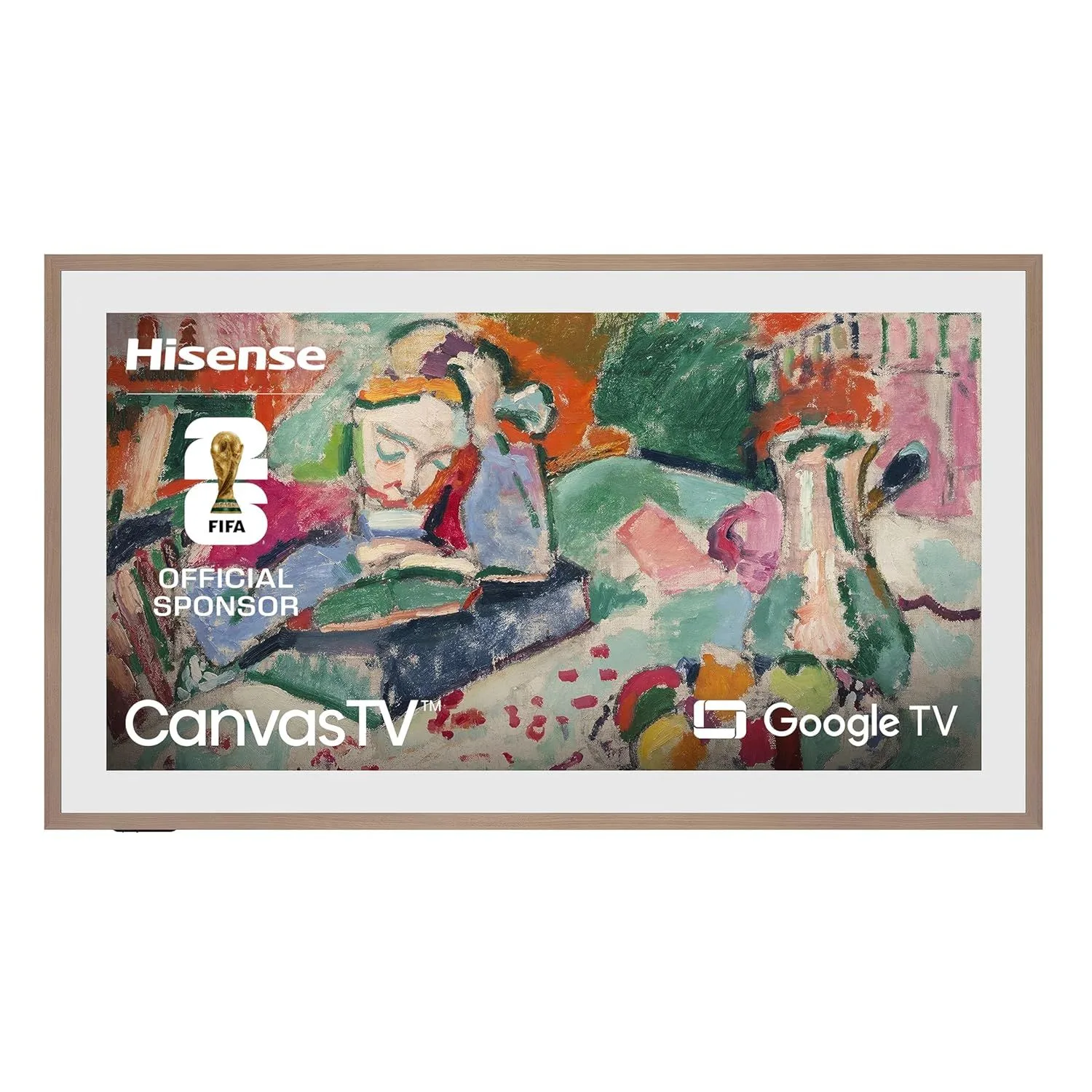
The Hisense 65" CanvasTV's matte display shows curated digital artwork when the TV is "off" — it looks like a framed canvas on the wall. The Google TV platform handles streaming when you're actually watching. At $800–$1,200, it's roughly half the price of Samsung's Frame equivalent. A standout for design-conscious living rooms.
Read our full Hisense 65" CanvasTV review
4. LG 55" OLED evo C5 Smart TV (2025) — Best Picture for Wall Mount
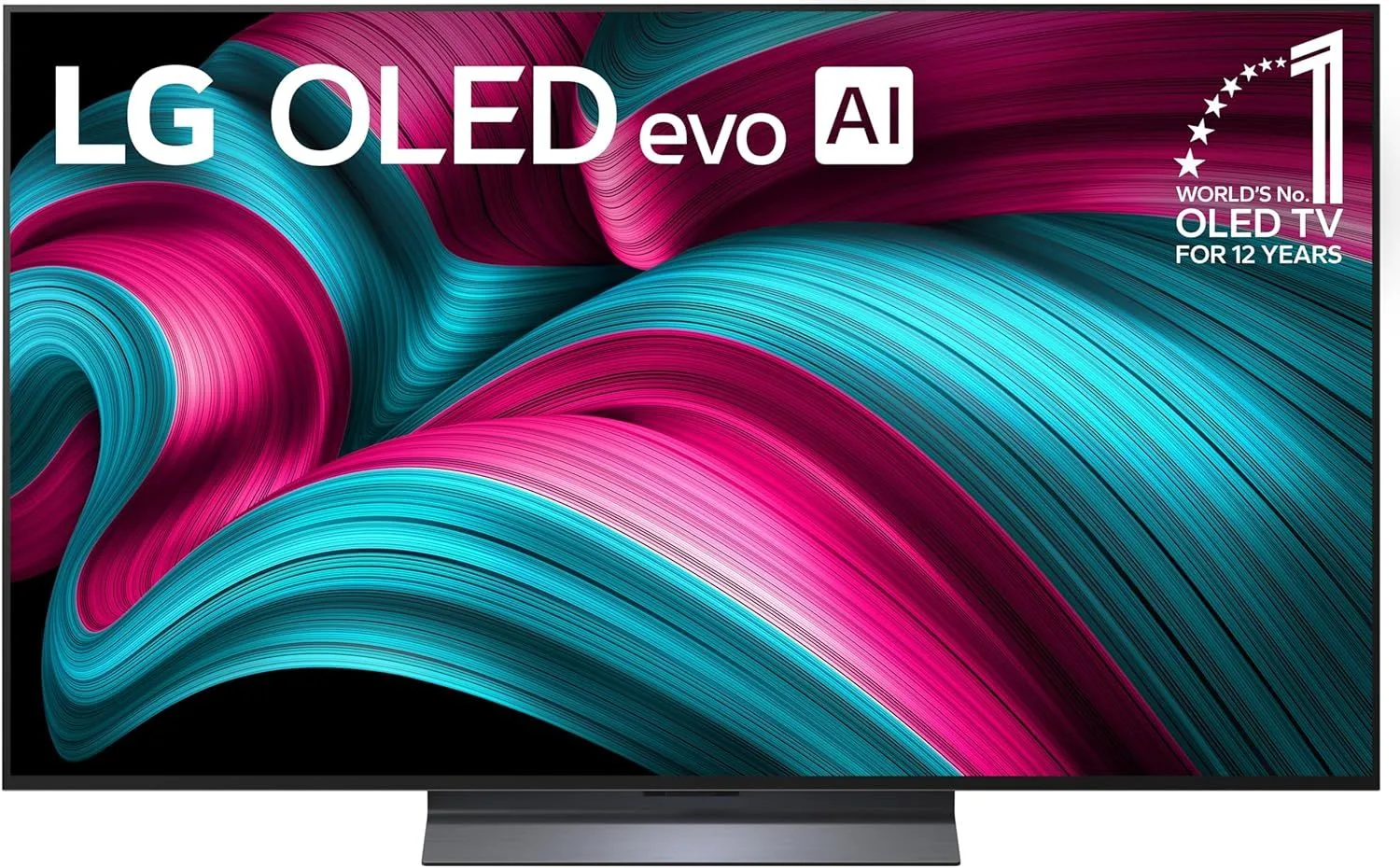
If picture quality matters more than flush mounting, the LG 55" OLED C5 is the benchmark. OLED panels are naturally thin, and while the C5 doesn't mount as flush as the G5, it's still significantly slimmer than any Mini-LED. At $800–$1,200, it balances picture quality and mounting aesthetics.
Read our full LG 55" OLED C5 review
5. Samsung 65" QN70F Neo QLED Mini-LED Smart TV (2025) — Best Large Wall-Mount Mini-LED
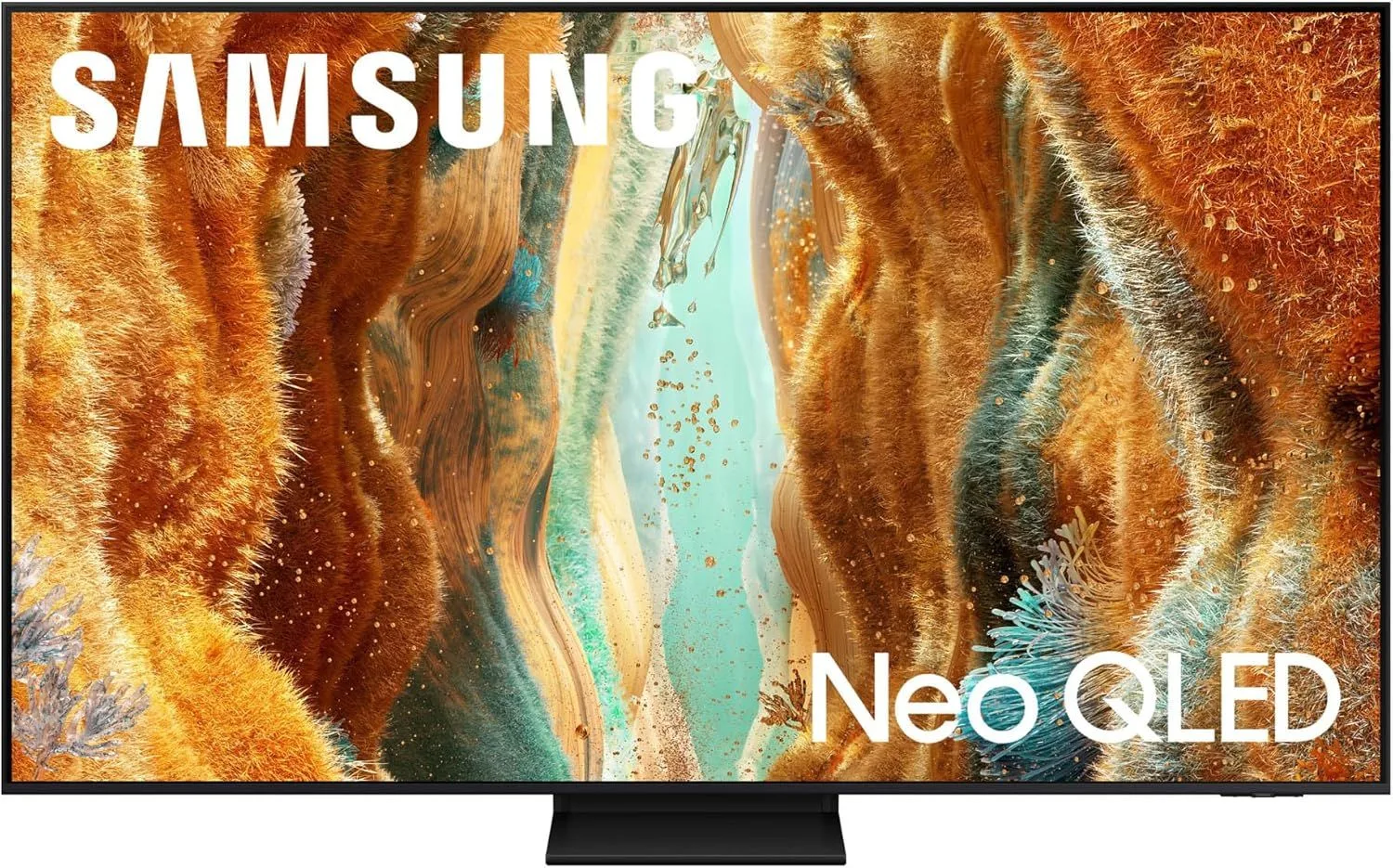
If you need a 65-inch panel on the wall with serious brightness, the Samsung 65" QN70F's anti-reflection coating makes it look clean in daylit rooms. Samsung's design attention means the rear panel and cable routing are tidier than TCL or Hisense alternatives. Priced in the $800–$1,200 range.
Read our full Samsung 65" QN70F review
Wall Mounting Tips
Don't mount the TV too tight to the wall if you'll need to access the ports later. A slim tilt mount (5-degree tilt) gives you just enough gap to reach HDMI ports without the visual bulk of a full-motion arm.
In-wall cable kits are cheap and clean. A basic in-wall cable management kit costs around $15-25 and includes two wall plates (one behind the TV, one near the floor outlet) and a fish tape to route cables through the drywall. The result is zero visible cables — a dramatic aesthetic upgrade over surface raceways.
The center of the TV should sit at seated eye level — about 42-48 inches from the floor. Mounting the TV above a fireplace forces you to look up for hours, which causes neck strain. If a fireplace is the only option, invest in a pull-down or tilting mount that angles the screen downward.
Frequently Asked Questions
What is a VESA mount pattern?
VESA (Video Electronics Standards Association) defines standardized mounting hole patterns on the back of TVs. The pattern is measured in millimeters — for example, 300x300mm means the holes are 300mm apart horizontally and vertically. Your wall mount must match your TV's VESA pattern. Most 55-65" TVs use 300x300mm or 400x400mm.
Can any TV be wall-mounted?
Almost all modern flat-panel TVs have VESA mounting holes and can be wall-mounted. The question is how well they look on the wall. Thin TVs with slim profiles sit closer to the wall and look more elegant. TVs with bulky backs or protruding speaker bumps may sit 3-4 inches from the wall.
How do I hide cables when wall-mounting?
Three options: (1) In-wall cable management kits — run HDMI and power through the wall. (2) Surface cable raceways — plastic channels painted to match your wall. (3) One Connect Box (Samsung select models) or similar one-cable solutions that move all connections to a separate box. In-wall is cleanest but requires basic drywall work.
What height should I mount my TV?
The center of the screen should be at seated eye level — typically 42-48 inches from the floor for a couch. A common mistake is mounting too high. Above a fireplace is popular but ergonomically poor — you look up at a steep angle for hours. If mounting above a fireplace, use a tilting or pulldown mount.
Do I need a specific type of wall mount?
Fixed mounts sit flat against the wall (cheapest, sleekest). Tilting mounts angle down 5-15 degrees (good for slightly high placement). Full-motion mounts swing side to side and extend from the wall (most flexible, biggest gap from wall). For a flush look, use a fixed or slim tilt mount.
Mount Your Perfect TV
For the cleanest possible wall installation, the LG 55" OLED G5 is purpose-built to sit flush. For a wall TV with art-mode functionality at a fraction of Samsung Frame pricing, the Hisense 65" CanvasTV turns your TV into a living-room design element.