Best TVs for Gaming 2026
The right gaming TV turns good games into great ones. We tested dozens of panels for refresh rate, input lag, VRR support, and real-world responsiveness to find the TVs that keep up with your reflexes.
Why Your TV Is the Bottleneck
A fast console means nothing if your TV can't keep pace. A 60Hz panel caps every game at 60 frames per second, regardless of what your PS5 or Xbox is rendering. Screen tearing happens when the GPU and display fall out of sync. And input lag — the delay between your thumbstick and the on-screen action — can cost you gunfights in competitive matches.
Modern gaming TVs solve all three problems. A 120Hz or 144Hz refresh rate doubles the frame ceiling. VRR eliminates tearing without adding lag. And dedicated game modes cut input delay to under 10 milliseconds — faster than you can perceive.
What to Look For in a Gaming TV
Refresh Rate: 120Hz Minimum
Every TV in our gaming picks runs at 120Hz or higher. This is non-negotiable for next-gen gaming. Both PS5 and Xbox Series X support 120fps modes in major titles like Call of Duty, Fortnite, and Rocket League. A 60Hz TV locks you out of those modes entirely.
HDMI 2.1: The Gateway to 4K/120Hz
HDMI 2.1 carries enough bandwidth for 4K resolution at 120 frames per second. Older HDMI 2.0 ports max out at 4K/60Hz. Check how many 2.1 ports a TV has — some only include one, which forces cable-swapping if you own multiple consoles.
VRR and ALLM
Variable Refresh Rate syncs the TV to your console's output, and Auto Low Latency Mode tells the TV to switch into game mode the instant it detects a gaming signal. Both should be standard on any TV you're considering.
Input Lag: Under 15ms
Input lag below 15ms is the practical threshold where delay becomes imperceptible. Most 120Hz panels with a dedicated game mode land between 5ms and 12ms. OLED panels are the fastest, consistently hitting under 10ms.
Before buying, confirm which specific HDMI ports support 2.1 — not all ports on a TV are equal. Some TVs advertise "4 HDMI" but only one or two actually support the full 2.1 bandwidth needed for 4K/120Hz.
Our Top Gaming TV Picks
1. LG 55" OLED evo C5 Smart TV (2025) — Best Overall Gaming TV
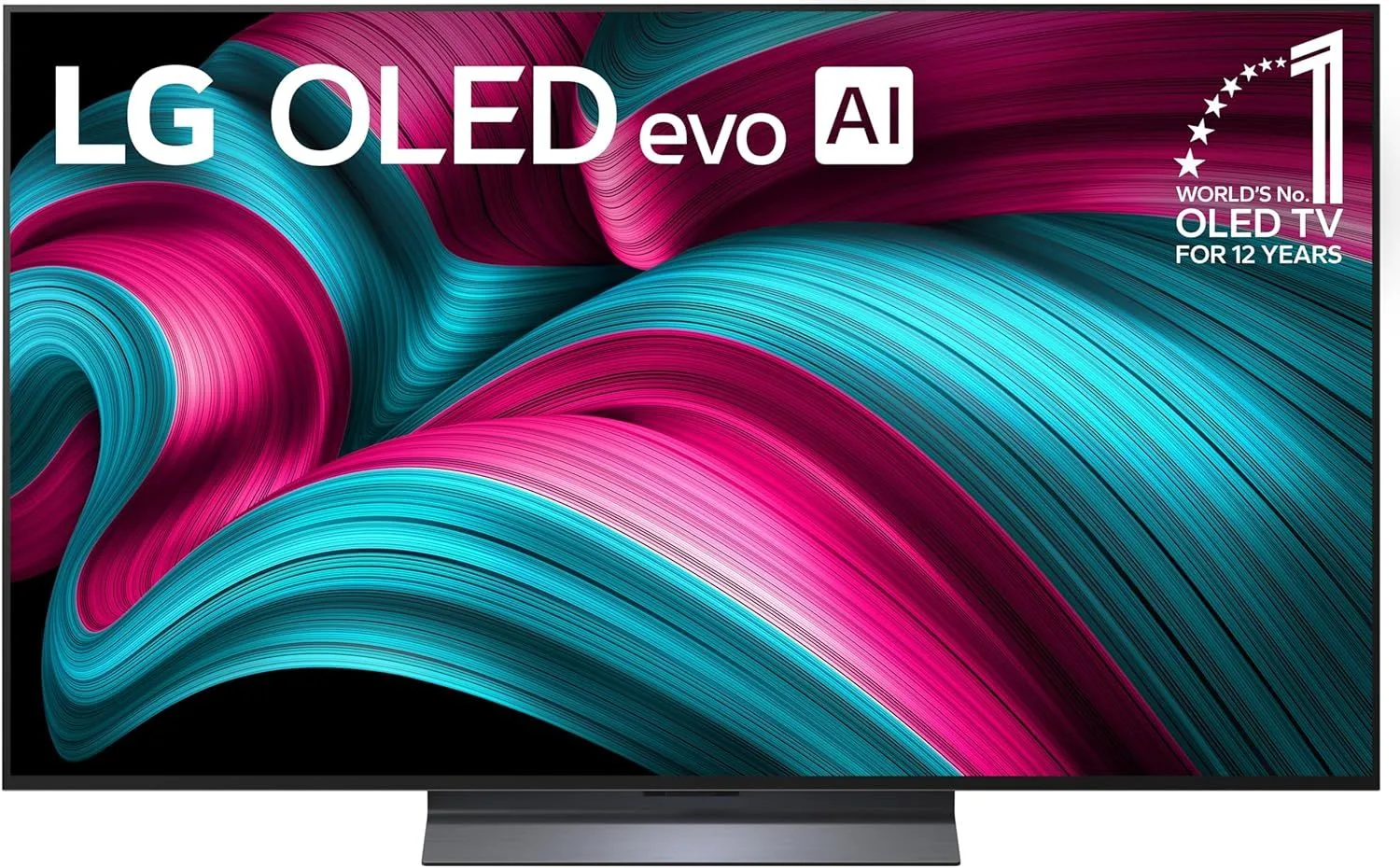
Four HDMI 2.1 ports, sub-1ms response time, and OLED contrast that makes dark game environments look stunning. The LG 55" OLED C5 is the TV competitive gamers and cinematic single-player fans both gravitate toward. At $800–$1,200, it's a upper mid-range option — but the gaming performance justifies the investment.
Read our full LG 55" OLED C5 review
2. TCL 65" QM7K QD-Mini LED 144Hz Smart TV — Best Mini-LED for Gaming
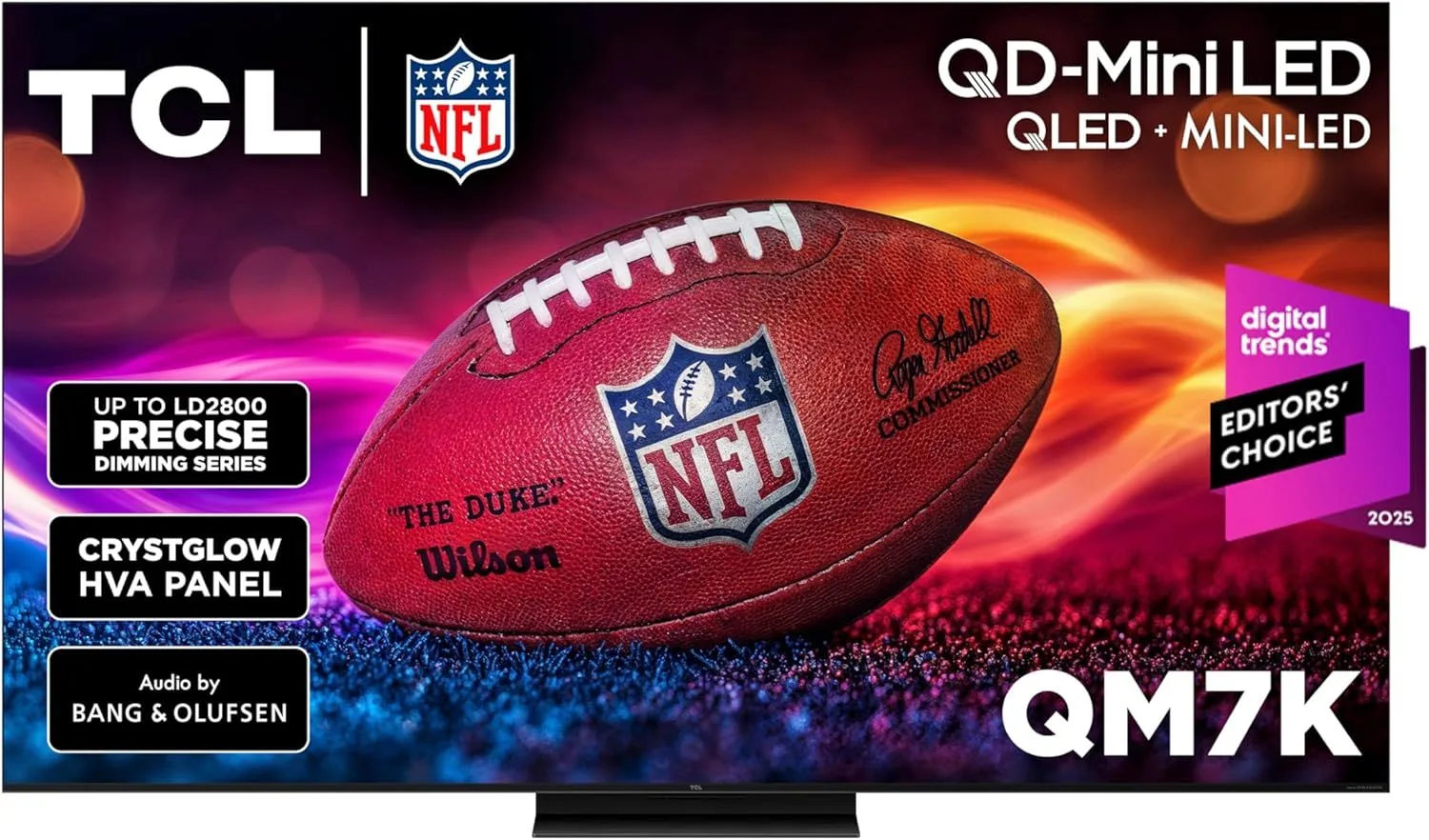
With 1000+ dimming zones, 144Hz, and peak brightness around 2000 nits, the TCL 65" QM7K delivers HDR gaming that pops off the screen. The price sits in the $800–$1,200 range, and the AIPQ PRO processor handles tone mapping better than most TVs at this tier.
Read our full TCL 65" QM7K review
3. TCL 55" QM6K QD-Mini LED 144Hz Smart TV — Best Budget Gaming TV
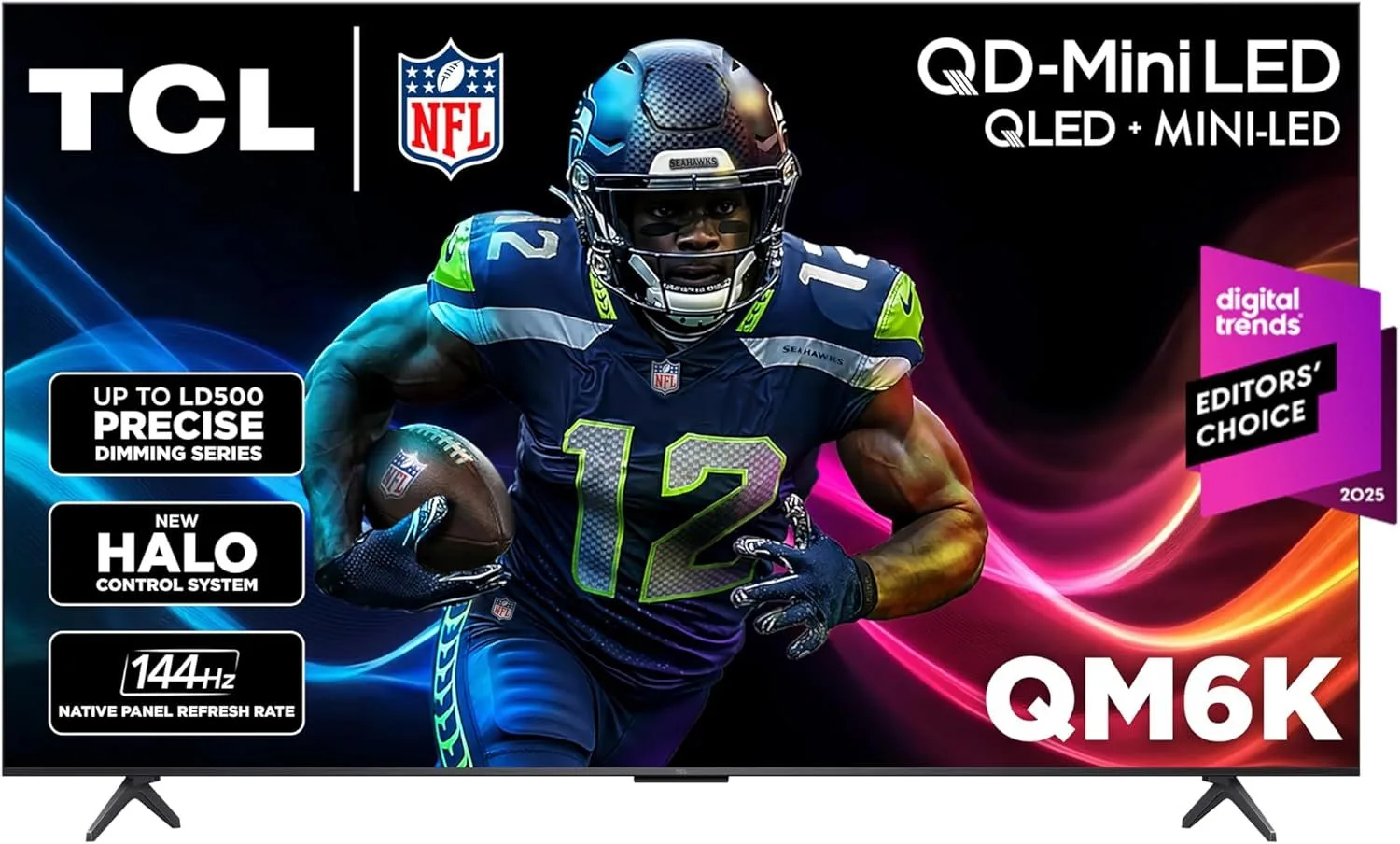
Mini-LED with 144Hz gaming at the $300–$500 bracket. The TCL 55" QM6K packs serious specs into a value-priced package. You get VRR, two HDMI 2.1 ports, and Dolby Vision — features that cost twice as much just two years ago.
Read our full TCL 55" QM6K review
4. Samsung 65" QN70F Neo QLED Mini-LED Smart TV (2025) — Best for Bright Room Gaming
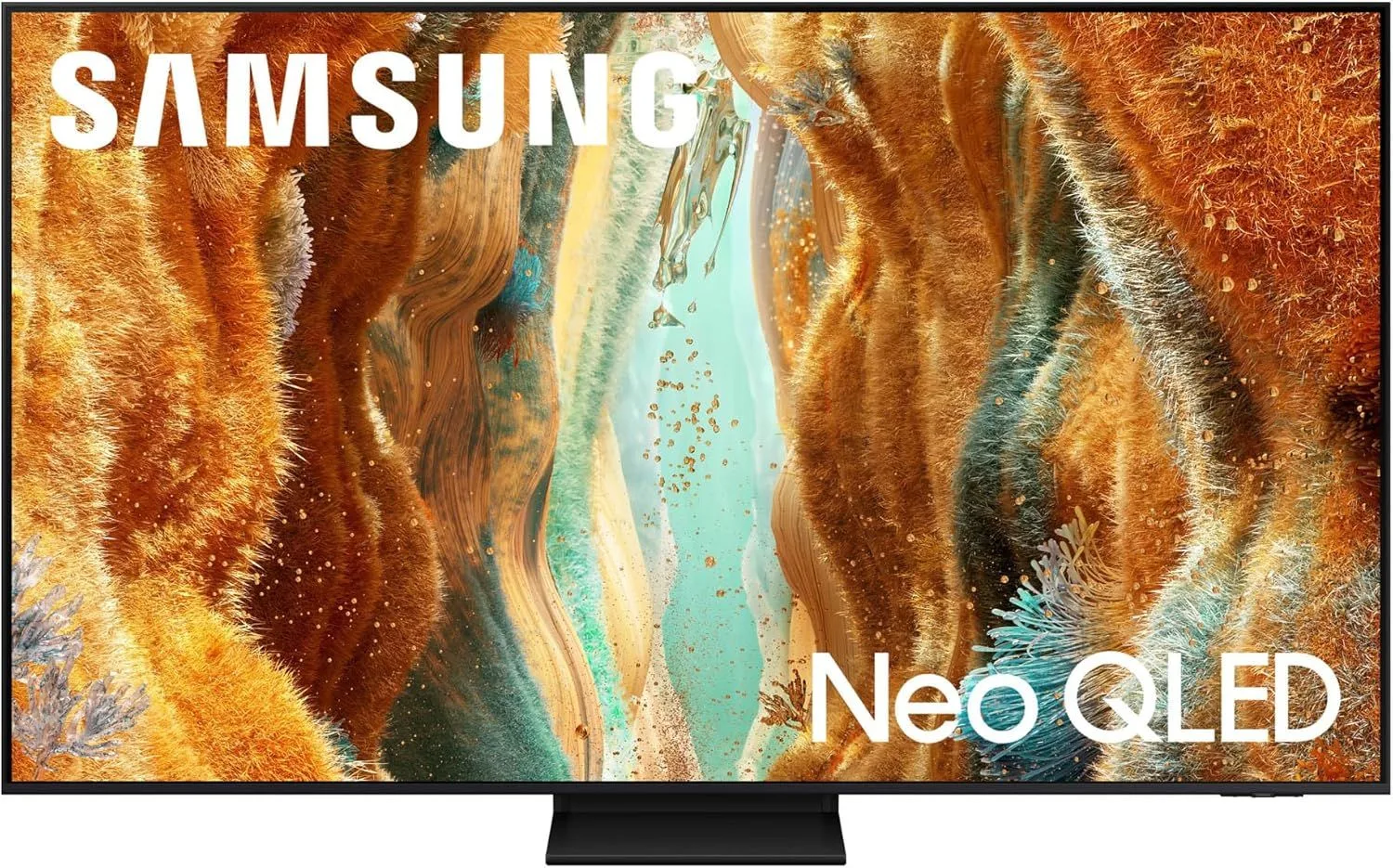
Samsung's anti-reflection coating is the best in the business, which makes the Samsung 65" QN70F the pick for gamers in sun-drenched living rooms. The 120Hz panel with VRR handles fast action well, and Samsung Gaming Hub adds cloud gaming access. Priced in the $800–$1,200 range.
Read our full Samsung 65" QN70F review
5. Hisense 55" U8QG Mini-LED 144Hz Smart Google TV — Best Value Flagship Gaming
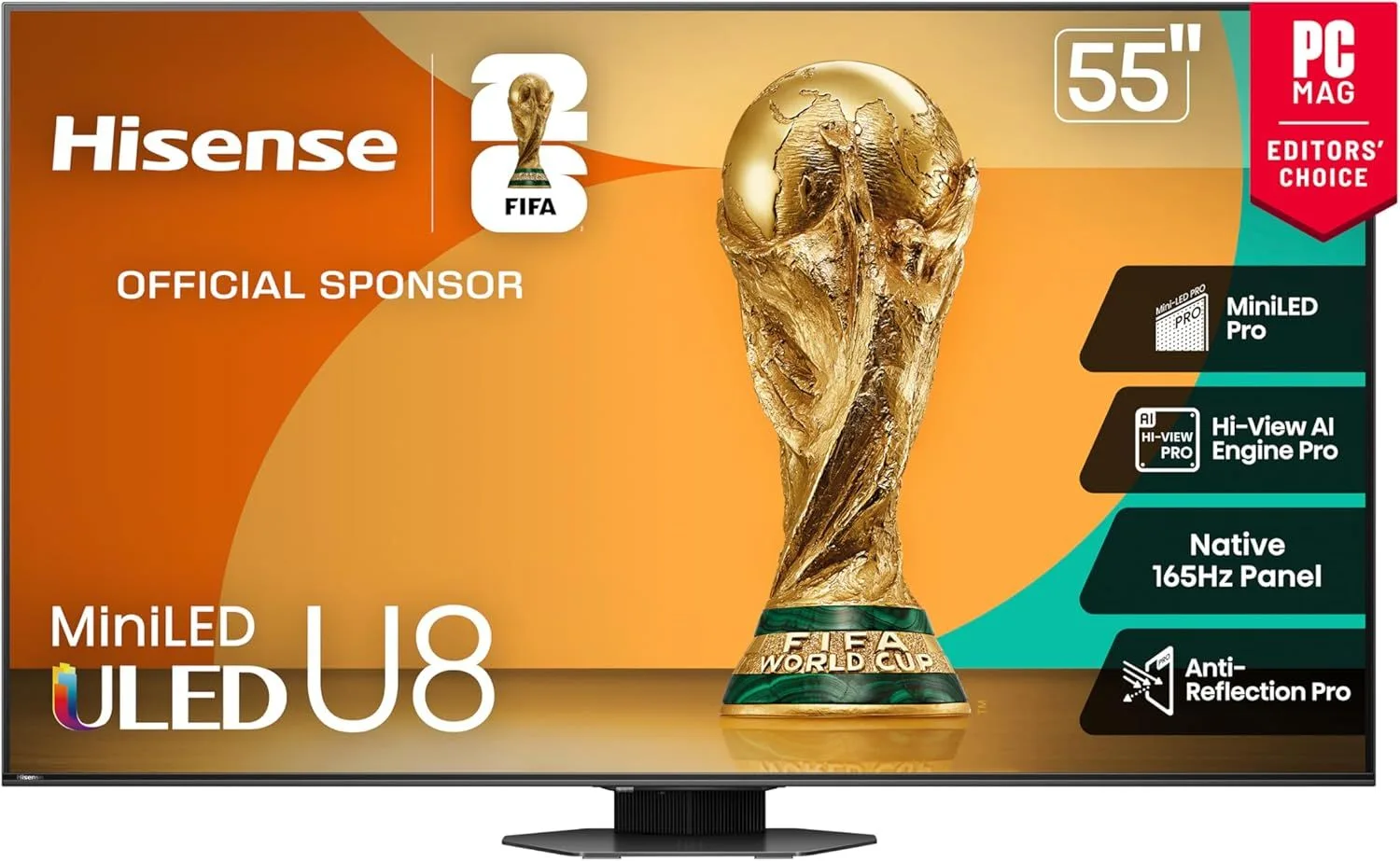
Around 1000 dimming zones, 2000 nits of brightness, and 144Hz at 55 inches — the Hisense 55" U8QG packs flagship specs into a mid-range package. The viewing angles are narrower than competitors, but for a dedicated gaming setup where you sit front and center, that trade-off barely matters.
Read our full Hisense 55" U8QG review
Gaming Setup Tips
Every TV processes the image before displaying it — sharpening, noise reduction, motion smoothing. Game mode disables these post-processing steps, cutting input lag from 30-50ms down to under 15ms. Always enable it before playing.
Turn off motion smoothing for games. Features like Samsung's Motion Rate or LG's TruMotion add artificial frames that look fine for movies but create a smeary "soap opera effect" in games and add input delay. Disable them in game mode settings.
On PS5 and Xbox Series X, enable HDR in the console's system settings separately from the TV's game mode. Some games have their own HDR calibration tools — use them. A properly calibrated HDR game on a bright Mini-LED or OLED is a different experience than SDR.
Frequently Asked Questions
Does refresh rate really matter for gaming?
Yes. A 120Hz or 144Hz panel draws frames twice as fast as 60Hz, which makes motion smoother and reduces input lag. For competitive shooters and racing games, the difference is immediately noticeable. For turn-based RPGs and strategy games, 60Hz is fine.
What is VRR and why do gamers need it?
Variable Refresh Rate (VRR) syncs the TV's refresh rate to your console's frame output, eliminating screen tearing and stuttering when frames dip below the maximum. Both PS5 and Xbox Series X support VRR, and most 120Hz TVs include it.
Is OLED or Mini-LED better for gaming?
OLED wins on response time (under 1ms) and contrast in dark scenes. Mini-LED wins on brightness in HDR highlights and has zero burn-in risk. For dark-room gaming, OLED is king. For bright rooms or long static HUD sessions, Mini-LED is safer.
How many HDMI 2.1 ports do I need for gaming?
At minimum one, for your primary console. If you run both a PS5 and Xbox Series X, look for at least two HDMI 2.1 ports so both consoles can output 4K/120Hz without swapping cables. Many mid-range TVs only have one 2.1 port.
Can I use a 60Hz TV for PS5 or Xbox Series X?
You can, but you'll be limited to 4K/60fps. Many next-gen titles support 120fps modes that require a 120Hz display. If you play mostly single-player story games, 60Hz works. For multiplayer and competitive titles, 120Hz makes a real difference.
What input lag should I look for in a gaming TV?
Under 15ms in game mode is good. Under 10ms is excellent. Most modern 120Hz TVs with dedicated game modes hit 8-12ms, which is fast enough that you won't notice any delay between pressing a button and seeing the action on screen.
Ready to Upgrade Your Gaming Setup?
For most gamers, the LG 55" OLED C5 is the one to beat — four HDMI 2.1 ports and OLED response times set the standard. On a tighter budget, the TCL 55" QM6K delivers 144Hz Mini-LED gaming at a fraction of the cost.