Insignia 75" 4K UHD Smart Fire TV (2025) Review 2026
Seventy-five inches. $300–$500. That is the entire pitch. A TV this big, this cheap, from a brand you recognize.
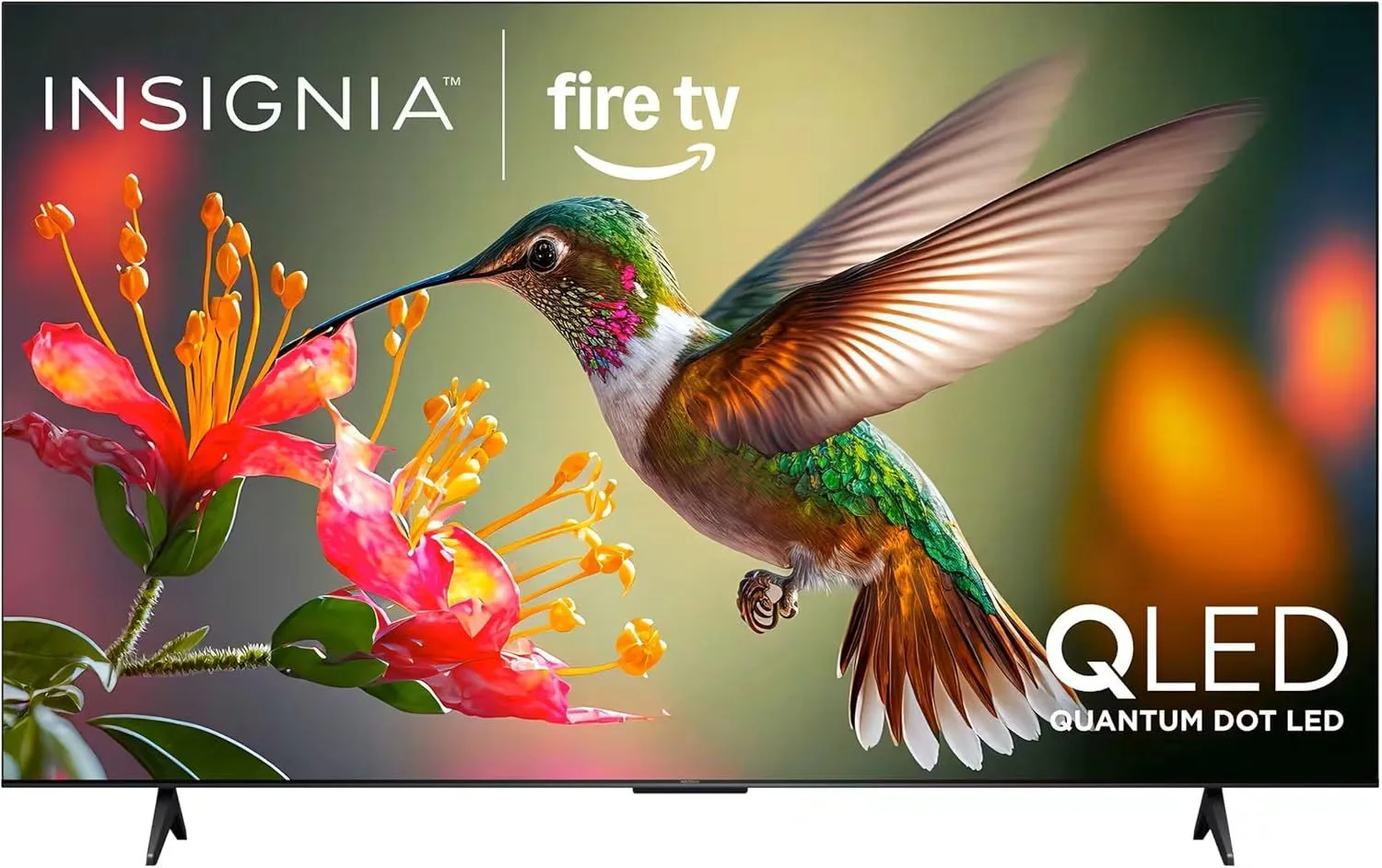
At 75" and under $450, the Insignia is pure screen-size value. Pair it with a soundbar and sit directly in front — the picture won't wow you, but the sheer size will.
Size Is a Feature
At 75 inches and $300–$500, the Insignia is the cheapest way to fill a wall with 4K from a recognized brand. Forget the spec sheet for a moment. Walk into a room with a 75" TV and then walk into a room with a 55" TV. The visceral difference in immersion is not subtle. It is the difference between watching a movie and being surrounded by one.
Every picture quality limitation this TV has -- and there are many -- is weighed against that one fact. At 10 feet of viewing distance, a 75" screen fills roughly 40 degrees of your field of vision. A 55" screen fills about 28 degrees. The bigger TV makes 4K streaming feel cinematic in a way that no amount of color accuracy or HDR brightness on a smaller screen can replicate.
Seventy-Five Inches of Honesty
Big screens expose everything. The limited brightness that is acceptable on a 55" Insignia is noticeably problematic at 75". In a bright room, the screen looks washed out from across the room. The basic motion handling that passes on a smaller screen shows visible judder during fast camera pans at 75 inches. Sports with fast action -- hockey, racing, quick football cuts -- show motion blur that you would not notice on a smaller panel.
And the speakers. The 12W speakers on a 75" TV are comically inadequate. Imagine putting phone speakers on a movie theater screen. That is the ratio. A soundbar is not an upgrade. It is a requirement.
Budget for two things alongside this TV: a soundbar (anything with a subwoofer) and either blackout curtains or a room where you can control ambient light. Without both, the 75" experience is significantly compromised. With both, it becomes genuinely impressive for the money.
Strengths
- ✓75" 4K screen for under $450 from a known brand
- ✓Fire TV with full Alexa integration
- ✓Best Buy warranty and support
Cons
- ✗Picture quality limitations amplified at 75"
- ✗Weak speakers are inadequate for a room this size
- ✗Basic motion handling struggles with fast content
Where This TV Works
A finished basement with controlled lighting and a soundbar. A dedicated media room where the TV is the focal point. A large open-plan living room where a 55" or 65" would look like a postage stamp on the wall. These are the rooms where the Insignia 75" earns its place.
Where it does not work: a bright sunroom. A room where people sit at sharp angles. Anywhere that gaming performance matters. Anywhere that audio quality matters without external speakers.
Feed It 4K and It Delivers
Here is the thing about a 75" 4K panel: when you feed it native 4K content at good bitrates, the resolution alone creates an impressive experience. Streaming Planet Earth III from Netflix in 4K, the detail in landscape shots is immersive. Individual blades of grass. Textures in rock formations. Water droplets catching light. The sheer pixel density at this size makes native 4K content look good even on a basic panel.
Drop to 1080p or lower and the illusion breaks. Cable TV looks soft. Standard definition YouTube is a blur. This is a TV that rewards streaming service subscriptions that offer 4K. Treat it right and it treats you right.
75 Inches vs Better Quality
The eternal budget TV dilemma: at this price, you could buy a Toshiba 65" C350 with Dolby Vision and have money left for a soundbar. The Toshiba has a better picture on a smaller screen.
But size is not something you can upgrade with a firmware update. A 65" TV will always be 65 inches. If your room demands 75 inches, no amount of Dolby Vision on a 65" screen will create the immersion of those extra 10 diagonal inches. Size wins in big rooms. Picture quality wins in small ones. Measure your room. Trust the measurement.
Frequently Asked Questions
Is a 75" budget TV too big for a normal living room?
For rooms where you sit 9-12 feet from the screen, 75 inches is ideal for a cinematic experience. For rooms under 10 feet of viewing distance, 75" can feel overwhelming and you may notice pixel structure at close range. Measure your viewing distance first. At 10+ feet, 75 inches is actually the recommended size for immersive 4K viewing.
How bad are the speakers on the Insignia 75"?
Bad enough that a soundbar is mandatory, not optional. The 12W speakers cannot project sound across a room that needs a 75" TV. Dialogue gets lost in action scenes. Bass is nonexistent. Budget for a soundbar from day one. Do not plan to buy one later -- you will want one on the first evening.
Can the Insignia 75" handle 4K streaming well?
Yes. Native 4K content from Netflix, Disney+, and Amazon Prime Video looks sharp and detailed at 75 inches. The panel displays the resolution well. Where it struggles is upscaling lower-resolution content -- cable TV and standard YouTube look noticeably softer at this size. Stick to 4K streaming sources for the best experience.
Is it better to get the Insignia 75" or a higher-quality 55"?
This is the most common question for budget shoppers. If you sit 10+ feet away in a large room, the 75" Insignia fills the space and creates immersion that no 55" TV can match. If you sit 6-8 feet away, a better-quality 55" like the Toshiba C350 with Dolby Vision will look sharper and more vibrant. Room size and viewing distance should drive the decision.
How heavy is the Insignia 75" Fire TV?
Around 45-50 pounds with the stand. Wall mounting is feasible but requires a mount rated for at least 55 pounds and VESA 300x300 or 400x400 pattern. Have a second person help with installation. The TV is not unusually heavy for 75", but the size makes it awkward to handle alone.
Final Verdict
Rating: 4.0/5
At 75" and under $450, the Insignia is pure screen-size value. Pair it with a soundbar and sit directly in front — the picture won't wow you, but the sheer size will.
Pure screen-size value. Add a soundbar, dim the lights, and let 75 inches of 4K do the work.
Track the Insignia 75" Fire TV
We check the price daily and monitor availability. You hear from us when something changes.
Only when something changes. Unsubscribe anytime.