Fire TV vs Roku vs Google TV vs Tizen: Which Smart TV Platform?
The smart TV platform you use every day matters more than most specs on the box. It determines how easy it is to find something to watch, how many ads interrupt your browsing, and which smart home devices play nicely with your TV. Five platforms dominate the market in 2026 — each with clear strengths and genuine weaknesses. This guide compares them head-to-head so you can pick the right ecosystem before committing to the hardware.
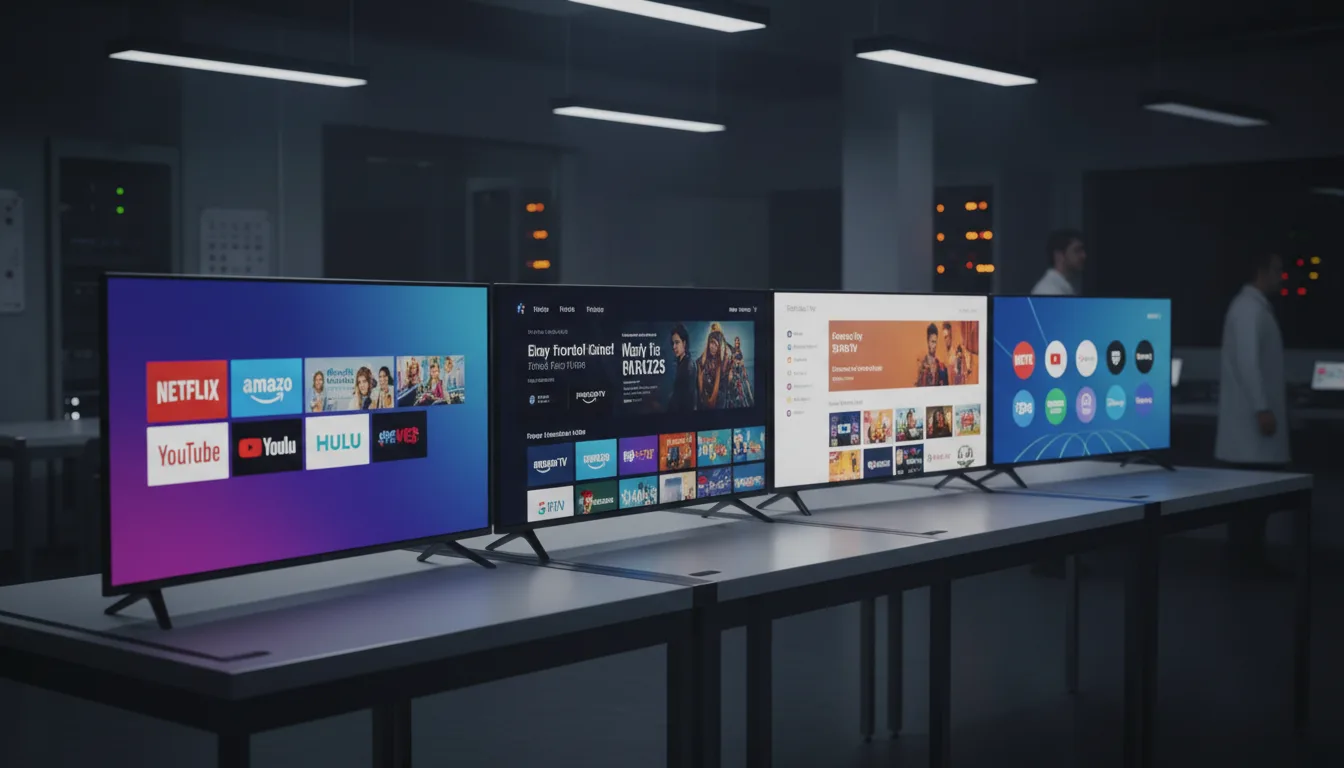
The Five Platforms at a Glance
| Feature | Google TV | Roku OS | Fire TV | Tizen | webOS |
|---|---|---|---|---|---|
| Used By | Sony, TCL, Hisense | Roku TVs | Amazon, Insignia, Toshiba | Samsung | LG |
| App Library | Largest | Large | Large | Good | Good |
| Ad Intrusiveness | Moderate | Minimal | Heavy | Moderate | Moderate |
| Voice Assistant | Google Assistant | Roku Voice | Alexa | Bixby/Alexa | ThinQ AI |
| Best For | Android users | Simplicity | Alexa home | Samsung fans | LG fans |
Google TV: The Content Aggregator
Google TV attempts something ambitious: unify all your streaming subscriptions into a single recommendation feed. Instead of opening Netflix, then Hulu, then Disney+ to browse, Google TV pulls content from all three into one scrollable interface organized by genre, mood, and personalized recommendations.
Strengths
- Cross-service search and recommendations that surface content from all subscriptions simultaneously
- Largest app library — full Android compatibility means almost every app exists
- Chromecast built in for easy casting from phones, tablets, and laptops
- Deep Google Assistant integration with smart home control
- Watchlist that syncs across all Google devices
Weaknesses
- The interface can feel cluttered and recommendation-heavy — lots of content surfacing means lots of visual noise
- Sponsored content appears in recommendations, blurring the line between organic suggestions and paid placement
- Privacy-conscious users may object to Google's data collection across viewing habits
- Occasional slowness on budget hardware — some cheap Google TV sets lag when navigating
Roku OS: The Simple Champion
Roku takes the opposite approach from Google TV. Instead of aggregating content, Roku presents a clean grid of your installed apps and lets you choose where to browse. The interface is spartan by design. Minimal recommendations, minimal advertising, minimal clutter.
Strengths
- Cleanest, most intuitive interface — anyone can navigate it regardless of technical comfort
- Minimal advertising compared to every competitor (ads exist but are less aggressive)
- AirPlay 2 and Apple HomeKit support built in — the best TV platform for Apple households without buying an Apple TV box
- The Roku Channel offers free ad-supported content without a subscription
- Platform-agnostic — no ecosystem lock-in to Google, Amazon, or Samsung
Weaknesses
- Lacks the deep content aggregation of Google TV — you browse each app separately
- Roku Voice is less capable than Alexa or Google Assistant for smart home control
- Smaller niche app selection compared to Google TV
- No web browser built in
If you are buying a TV for parents, grandparents, or anyone who finds technology frustrating, Roku OS is the answer. The grid interface is immediately understandable. The remote is simple. There are no confusing recommendation algorithms to navigate. We hear "I just want to watch my shows" constantly from non-technical users — Roku respects that.
Fire TV: The Alexa Hub
Amazon designed Fire TV as an extension of the Alexa ecosystem. If your home runs on Echo speakers, Ring cameras, and Amazon Prime, Fire TV becomes the visual control center. The voice integration is the deepest of any platform — you can ask Alexa to show your Ring doorbell camera, set timers, check the weather, and control smart lights, all from the TV.
Strengths
- Deepest Alexa integration — voice control for smart home devices, shopping, information
- Ambient Experience mode turns the TV into a smart home dashboard with art, weather, and camera feeds
- Excellent streaming app selection including all major services
- Tight Prime Video integration with X-Ray features (cast info, trivia during playback)
Weaknesses
- The most advertising-heavy platform — the home screen aggressively promotes Amazon content and sponsored shows
- Amazon ecosystem lock-in: Fire TV works best if you are already in the Amazon world
- Interface can feel pushy, with Amazon content prioritized over other subscriptions
- Privacy concerns: Amazon collects extensive viewing data for ad targeting
Fire TV ads are not subtle. The top third of the Fire TV home screen is a rotating banner of promoted content — often Amazon Originals or sponsored shows. Scrolling past ads to reach your apps is a daily annoyance for many users. If advertising sensitivity is high, Roku or an external Apple TV box is a better fit.
Samsung Tizen: The Polished Ecosystem
Samsung's Tizen is a proprietary platform exclusive to Samsung TVs. It offers a polished, responsive interface with strong smart home integration through Samsung SmartThings. The Gaming Hub feature provides cloud gaming access without a console, and Samsung TV Plus offers free ad-supported channels.
Strengths
- Polished, responsive interface with smooth animations and quick app loading
- SmartThings hub for Samsung smart home devices
- Samsung Gaming Hub with cloud gaming (Xbox Cloud, NVIDIA GeForce NOW) built in
- Multi View — watch two sources on one screen simultaneously
Weaknesses
- Exclusive to Samsung hardware — if you leave Samsung, you leave Tizen
- No Dolby Vision support on any Samsung TV (ecosystem limitation, not platform limitation)
- Samsung ads on the home screen, though less aggressive than Fire TV
- Smaller app catalog than Google TV, Roku, or Fire TV
LG webOS: The OLED Companion
LG's webOS is the platform behind every LG TV including their market-leading OLEDs. The interface uses a horizontal launcher bar at the bottom of the screen — cards for each app slide left and right. It feels clean and stays out of the way more than Tizen or Fire TV.
Strengths
- Clean horizontal launcher that overlays content without taking over the full screen
- Excellent LG ThinQ AI integration with smart home control
- AirPlay 2 and HomeKit support for Apple device users
- Magic Remote with point-and-click cursor navigation — faster than d-pad browsing
Weaknesses
- Exclusive to LG hardware
- Sponsored content tiles on the home screen
- Occasional sluggishness on older models after several years
- App library slightly smaller than Google TV or Fire TV
Our Platform Picks
Best Overall Experience: Roku 65" Pro Series
Roku OS on capable hardware. Clean interface, minimal ads, great app selection, AirPlay support. Read our review.
Best for Smart Home: Amazon 55" Omni QLED 2025
If Alexa runs your home, the Omni QLED turns your TV into the hub. Deep integration with Ring, Echo, and Fire TV Cube features. Read our review.
Best Premium Platform: LG 55" OLED C5
webOS on LG's OLED hardware — the Magic Remote and clean launcher make navigating enjoyable. Read our review.
Best Samsung Platform: Samsung 55" Q7F QLED
Tizen at its best with Gaming Hub and SmartThings. A strong choice for Samsung ecosystem users. Read our review.
Common Platform Mistakes
1. Choosing a Platform You Will Fight Daily
If ads annoy you, do not buy a Fire TV — you will resent it every time you turn on the TV. If simplicity matters, do not buy a Google TV that surfaces 200 recommendations. Match the platform to your patience level.
2. Forgetting You Can Add a Streaming Box Later
A Roku Stick, Apple TV 4K, or Chromecast plugged into any TV gives you an entirely different platform. If you find a great deal on a Fire TV panel but hate Fire TV, a streaming box solves the problem for a modest additional cost.
3. Assuming All Smart TVs Update Forever
Smart TV platforms stop receiving major updates after 3-5 years. Budget brands may stop sooner. If long-term software support matters, LG and Samsung tend to update their platforms the longest.
4. Not Testing Voice Control Before Committing
If voice control will be a primary interaction method (especially for accessibility), test it in a store or research voice command reliability in reviews. Some platforms understand natural language better than others.
Frequently Asked Questions
Which smart TV platform has the most apps?
Which smart TV has the least ads?
Can I change the smart TV platform later?
Which smart TV platform is best for Apple users?
How long do smart TV platforms receive updates?
Is Fire TV or Roku better?
Choose Your Platform, Then Your TV
Pick the platform that matches your ecosystem and tolerance for ads, then narrow by panel technology and budget. Browse our budget TV roundup for affordable Fire TV and Roku options, or see our QLED roundup for the best mid-range TVs across platforms.
Ready to pick your TV?
Browse TVs organized by platform, budget, and picture quality.
Browse All Reviews